Install Odoo Community without a terminal—then plan who keeps it working.
A cloud image, hosting panel, or managed service can put Odoo behind a URL without asking you to type Linux commands. That is useful. It is not the same as having an operated production system: somebody still owns security updates, database and filestore backups, monitoring, email delivery, upgrades, and recovery.
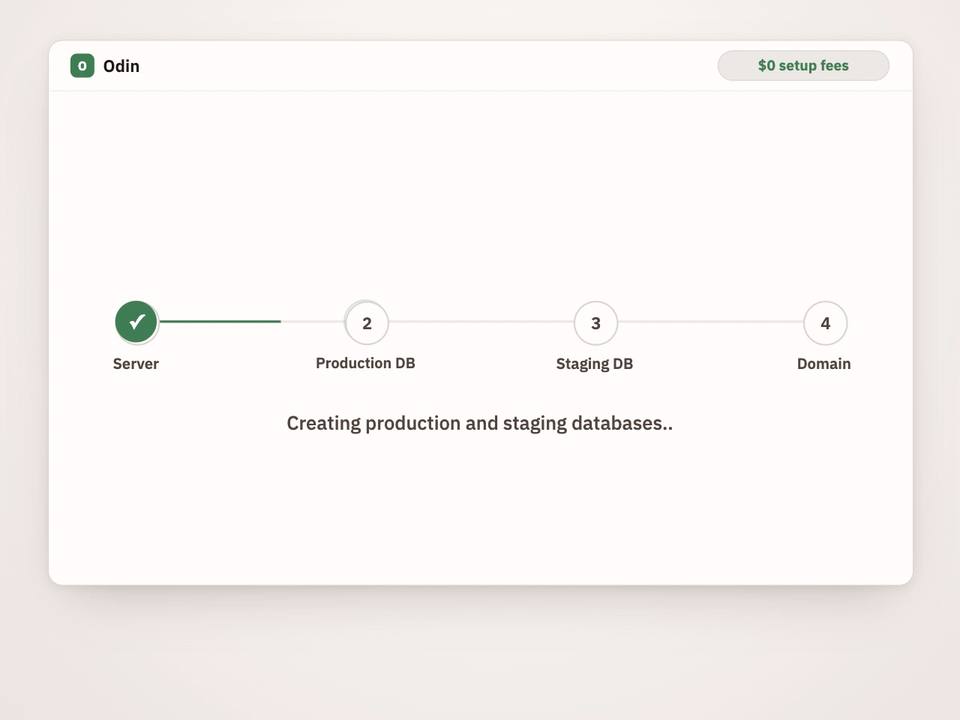
The direct answer: you can deploy Odoo Community with no terminal and no developer. Choose a provider that exposes an Odoo image or control-panel application, or buy a managed deployment. But no-click deployment does not eliminate operational responsibility; it only changes who performs it.
If your goal is “open a browser and start configuring sales, invoicing, inventory, or CRM,” optimize for the second month, not the first minute. Ask what happens when a disk fills, a backup is corrupt, a security update arrives, or a major Odoo version changes the database schema.
“One click” describes setup, not ownership
| Route | What it removes | What you usually own |
|---|---|---|
| Cloud marketplace image | Initial VM and software installation | Server access, hardening, TLS, patches, backups, monitoring, Odoo updates, recovery |
| Hosting control panel | Most command-line setup; may add domains, certificates, and snapshots | Application configuration and whatever the panel’s service boundary excludes |
| Managed deployment | Infrastructure and routine operations within a contract | Business configuration, user access decisions, acceptance testing, vendor oversight |
| Manual installation | Nothing; maximum flexibility | Everything, unless separate specialists are retained |
A marketplace image may be called “one click” even though the next screens ask for a region, machine size, storage, firewall rules, SSH key, DNS, and administrator credentials. A panel can make those choices friendlier. Neither should be assumed to include application-aware backups or tested Odoo upgrades.
Production Odoo is more than an app process
Odoo’s official deployment documentation covers HTTPS, reverse proxies, worker processes, database filtering, security, and long-polling/WebSocket routing. Those concerns remain even if an image preconfigures them. Confirm the image’s exact defaults rather than assuming its logo proves production readiness.
Odoo uses PostgreSQL for structured business records and a filestore for attachments and other binary data. Outbound email also needs a working mail configuration; inbound mail and scheduled actions create more dependencies. A healthy login page proves only that Odoo started—not that mail, backups, resource limits, certificates, observability, and recovery work.
Official package installation documentation and source installation documentation are useful baselines when assessing what an image automated. They also make clear why manual deployment requires operating-system and PostgreSQL competence.
Evaluate the service boundary before buying
Cloud image: fast start, infrastructure ownership
Choose an image when you already have somebody comfortable operating Linux, PostgreSQL, DNS, TLS, storage, and Odoo. Verify publisher identity, supported Odoo version, update mechanism, filesystem layout, default credentials, network exposure, and whether the image tracks upstream security releases. A VM snapshot is helpful, but it is not automatically a consistent, application-aware backup.
Control panel: friendlier operations, variable depth
A panel is appropriate when you can manage concepts such as domains, certificates, storage, schedules, and restore points but do not want shell work. Ask whether backups contain both PostgreSQL and the matching filestore; whether copies leave the application server; and whether a restore is supported or merely a download button.
Managed deployment: pay for accountable operation
A managed provider should define monitoring, patching, backup frequency, retention, restore testing, incident response, maintenance windows, upgrade scope, data export, and exit procedures. “Managed” is not a technical standard. Read the exclusions. No responsible provider can promise that every upgrade has zero downtime or that complex custom modules need no expertise.
Manual install: control at the cost of skill
Manual installation suits engineering teams with unusual network, compliance, scaling, or integration requirements. It gives maximum control and the clearest reproducibility when infrastructure is automated. It is the wrong shortcut for a team whose real requirement is simply “we do not have an administrator.”
Before real data enters the system
- Record the Odoo version, image publisher, installed modules, server region, and ownership account.
- Use a unique administrator password, restrict database management, enable HTTPS, and avoid exposing PostgreSQL publicly.
- Configure sender identity and test outbound email, replies, bounces, and scheduled actions.
- Set resource limits and monitoring for CPU, memory, disk, certificate expiry, HTTP health, jobs, and backup failures.
- Back up the PostgreSQL database and matching filestore together; store an encrypted copy outside the server.
- Perform a restore into an isolated test environment and document the recovery steps.
- Define who applies operating-system patches, same-major Odoo updates, and major-version upgrades.
- Test business-critical flows and permissions before inviting all users.
- Document export and handover procedures so the deployment is portable if the provider relationship ends.
For the backup mechanics behind items five and six, use our Odoo Community backup and restore guide. For version planning, see the Community upgrade guide and the practical discussion of Odoo upgrade cost.
Updates and upgrades are different work
Odoo’s on-premise update guide describes updating source code and modules within an installed version. A major-version upgrade is a database migration with compatibility work and testing. Do not enable blind automation that changes production application code without a verified backup and a rollback plan.
Custom addons increase ownership. Keep their source code, dependencies, tests, and compatible Odoo versions documented. A visual or AI-assisted builder can reduce the effort of creating a plain-English requirement, but generated modules still need review and lifecycle management. See how Odin approaches AI-assisted Odoo module building.
Ask for evidence, not “fully managed”
- Ownership: whose cloud account, domain, source repository, and encryption keys are used?
- Backups: are database and filestore captured together, copied off-server, encrypted, retained, monitored, and restore-tested?
- Upgrades: are same-major updates and major upgrades both included, and how are custom modules handled?
- Recovery: what recovery point and recovery time are targeted, and what exclusions apply?
- Exit: can you receive a standard PostgreSQL dump, filestore, addon source, configuration, and runbook?
A flat fee can make budgeting simpler, but only if scope is explicit. Compare the operational boundary in our flat-fee Odoo hosting guide, not only the headline monthly number.
Official Odoo documentation
FAQ
Can I install Odoo Community without using a terminal?
Yes. A cloud image, hosting control panel, or managed deployment can provision Odoo through a browser. The amount of ongoing administration included depends on the provider.
Is a one-click Odoo image production-ready?
Not automatically. Verify HTTPS, network exposure, database security, resource sizing, monitoring, mail, backups, restore testing, patches, and upgrade ownership before storing production data.
Does no-click deployment remove operational responsibility?
No. It changes who performs the work. Your organization or a contracted provider must still own security, backups, recovery, monitoring, updates, and upgrades.
What should an Odoo backup include?
The PostgreSQL database and its matching filestore must be protected together. Keep an encrypted remote copy that remains available if the application server fails, and test restoration.
Operate the system you deploy
Deploy Community without becoming the accidental sysadmin.
Odin provides managed Community deployment with backups and upgrades, plus plain-English module building. Maintenance windows and specialist review still apply where the work requires them.