Odoo 19 has native AI agents. The prompt is only the first layer.
A useful Odoo 19 agent needs a role, topics, trusted sources, and a deliberately small tool set. The standard Ask AI agent can open views and display reports but cannot change records. Custom tools are where an assistant becomes an operator—and where the review must get serious.
The direct answer: Odoo 19 includes an AI application with configurable agents. Odoo’s documentation defines an agent through a system prompt, topics, tools, and sources. It also documents contextual default prompts, AI fields, AI-powered live chat, and AI server actions.
That does not mean every Odoo 19 database can safely “run itself.” The built-in Ask AI agent is intentionally limited: Odoo says it can answer questions, open views, and display reports, but it cannot create leads or alter data. A custom agent becomes write-capable only when you attach topics and tools that allow those actions. That separation is the most important fact in this guide.
The five layers of an Odoo 19 AI agent
| Layer | What it controls | Example |
|---|---|---|
| System prompt | Identity, mission, tone, global boundaries | “You are a credit-control assistant. Never promise a payment plan.” |
| Topic | A job-specific collection of instructions and tools | Review overdue invoices |
| Tool | The function that can perform an Odoo action | Open an aged-receivables view or create a draft activity |
| Source | Indexed knowledge the agent may retrieve | Approved collections policy and escalation matrix |
| Default prompt | Context when the agent opens from a particular model | Use the current Helpdesk ticket and show an “Escalate” button |
The names matter because each layer solves a different failure. A system prompt cannot grant access. A source cannot execute a write. A tool does not know your collections policy unless instructions and sources supply it. A default prompt adapts the agent to the record the user is viewing; it does not replace the agent’s identity.
How to create an AI agent in Odoo 19
- Install and configure the AI app. Odoo supports OpenAI and Google Gemini as providers. Custom API credentials and per-agent provider changes require the AI app. Provider usage may create separate API charges.
- Create one agent for one operational role. In AI → New, name the agent for its job: “Sales follow-up analyst” is testable; “Company super-agent” is not.
- Write a system prompt with explicit boundaries. State what the agent must do, what it must refuse, how it cites records, and when it escalates. Do not use the prompt as a substitute for permissions.
- Add the smallest relevant topics. Odoo 19 calls these Topics. Each topic contains detailed instructions and one or more tools. Keep customer support, lead creation, and account review separate so you can test and revoke them independently.
- Add approved sources. Use Knowledge articles, PDFs, or other documented source types for policies and product facts. Odoo indexes sources for retrieval. Restricting an agent to sources is useful when unsupported improvisation is worse than saying “I do not know.”
- Attach read tools before write tools. Open views, search records, and display reports first. Add record creation or updates only after the read path is accurate and the business owner names the exact permitted action.
- Configure default prompts. A default prompt can call a particular agent when a user opens AI from a selected model, such as Helpdesk Tickets. It can also provide button prompts for common, well-defined requests.
- Test permissions, not only happy prompts. Try another company, a restricted customer, malformed instructions, missing source material, and requests for forbidden writes. The correct result is often a refusal.
AI server actions separate the manager from the worker
Odoo’s AI server-action documentation uses a useful model. The AI server action is the manager: it reads the record and prompt, selects a tool, and supplies arguments. The tool is the worker: a standard server action marked “Use in AI” that contains the execution logic.
This division is safer than asking a model to invent Python. The AI Schema declares the arguments a tool accepts, and those names must match the variables used by the server action. The Python code must still enforce the business rules explicitly. If a reminder must never be sent to disputed invoices, enforce that in code or the record domain—not only in prose.
Start with reversible outputs: open a filtered view, write a draft summary, add a proposed tag, or create an activity for review. Confirming a sales order, posting an invoice, reconciling a payment, deleting a record, or changing access rights deserves a separate approval path.
Odoo 19 AI agents and MCP solve different entry points
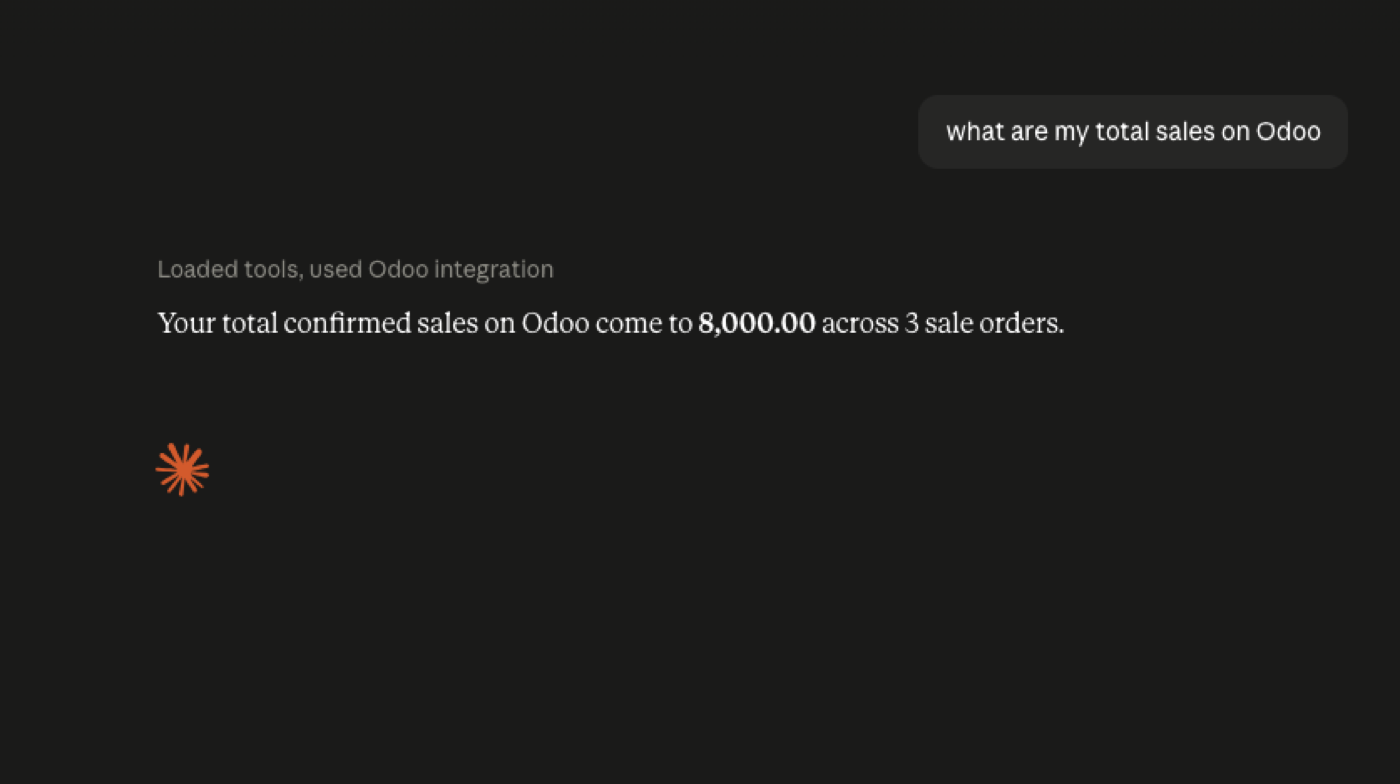
Native Odoo agents serve users who are already inside Odoo. MCP serves assistants and agents that live outside it—Claude, ChatGPT, Cursor, or another compatible client—and need a governed set of Odoo tools. A company can use both.
If a warehouse manager asks Odoo’s AI button to open low-stock products, native AI is the shortest route. If an executive asks Claude to compare pipeline, stock, and overdue invoices without opening Odoo, an MCP server is the bridge. In both cases, Odoo permissions and server-side tool controls remain the boundary.
Do not confuse the two with a scheduled automation. A deterministic rule is still better when the condition is exact: “create an activity when a quotation is untouched for seven days” needs no model. Use an agent when interpretation, retrieval, or choosing among approved actions creates real value.
A good agent is boring under pressure
- Correct scope: it sees only records the acting Odoo user may see, including company and team boundaries.
- Traceable answers: it returns record names or IDs so a person can verify the result.
- Predictable refusal: unsupported questions and forbidden actions stop cleanly.
- Controlled writes: tools validate inputs, enforce business rules, and require approval where the consequence is material.
- Measured cost: provider usage, latency, and failure rates are visible before the agent is rolled out broadly.
The demo that impresses a steering committee is not the production test. Run a fixed evaluation set after every prompt, source, model, or tool change. Include adversarial requests and stale data. If the agent’s behavior changes silently when the provider model changes, you need better tests and narrower tools.
FAQ
Does Odoo 19 include AI agents?
Yes. Odoo 19 documents a native AI application with configurable agents, system prompts, topics, tools, sources, default prompts, AI live chat, and AI server actions.
Can the standard Ask AI agent change Odoo records?
No. Odoo states that standard Ask AI can open views and display reports but cannot create leads or alter data. Custom agents can act only through topics and tools you configure.
Which AI providers does Odoo 19 support?
Odoo’s AI API-key documentation lists OpenAI and Google Gemini. Provider API usage may be billed separately by the provider.
Do I still need MCP with Odoo 19 AI?
You may if the agent lives outside Odoo. Native AI serves Odoo’s interface; MCP exposes controlled Odoo tools to compatible external clients such as Claude or ChatGPT.
Build the agent stack deliberately
We already built five agents for Odoo.
Invoice chase, order intake, stock questions, approval nudges, and exception watching—plus governed access from Claude and ChatGPT.