Can AI agents access Odoo?
Yes. Give them an API, a module, or an MCP server. The useful question is what the agent is allowed to do — not whether the wire exists.
Read-only agents can search customers, read orders and invoices, analyse inventory, search CRM and draft reports. That is already useful business intelligence with no writes.
Write-enabled agents can create records, update partners, log CRM activities, create tasks, trigger workflows. That needs controls, not enthusiasm.
On Odoo 19, an agent can also live natively inside the new AI application. Odoo documents prompts, topics, tools, sources, default prompts, and AI server actions; the standard Ask AI agent remains read-only. See the practical Odoo 19 AI agents setup guide. External agents still use an API, MCP server, or in-Odoo connector.
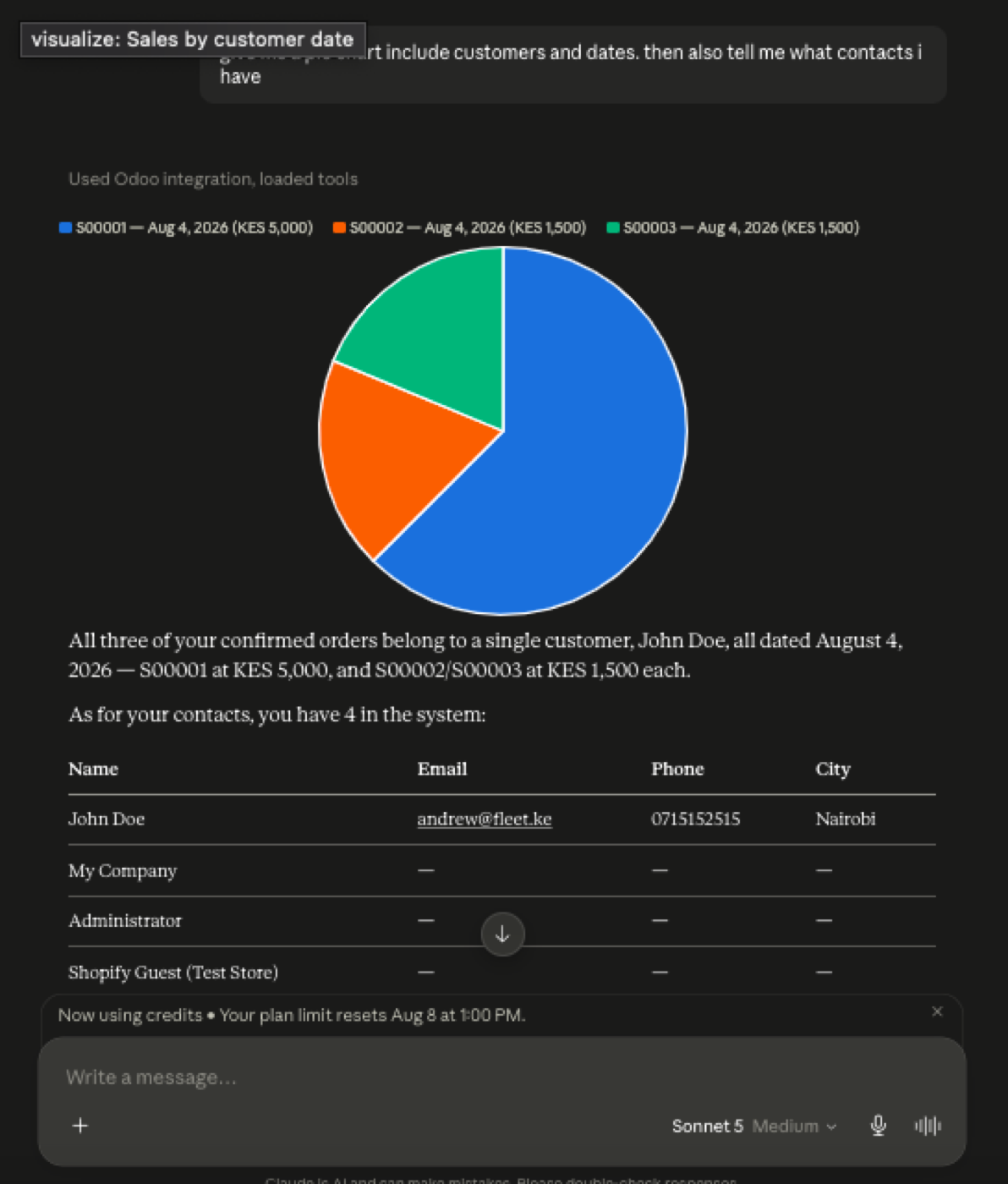
AI agent architecture
User → AI agent → MCP → Odoo tools → Odoo API or ORM → Odoo. MCP is the standard discovery layer. Google's Gemini API is one client that supports remote MCP plus an allow-list; Claude and ChatGPT have their own connector models.
The agent should not see “everything.” JSON-2 still applies the authenticated user's rights. Use a dedicated integration user. Strategy: read → analyse → recommend, then create → update, and only later automate anything that posts accounting or confirms orders.
Examples: summarise overdue invoices; declining customers; opportunities that need a poke; optionally draft follow-up activities after a human says yes. How-to: connect an AI agent to Odoo.
An AI agent does not log into Odoo like a person
When people ask whether AI agents can access Odoo, they usually picture a chatbot with the same screen a salesperson uses. That is the wrong picture. An agent reaches Odoo through a trusted integration: an API call, an MCP tool, or a module running inside the database. There is no magic “ChatGPT user” sitting in Settings → Users unless you create one.
That integration user is the whole security story. JSON-2 and the older RPCs execute as the user behind the API key. An in-Odoo MCP module can execute as the signed-in person. Either way, record rules, access rights and field-level security still apply — they are not optional because the caller is a model.
So the honest answer is yes, agents can read and write Odoo data, but only through a path you installed, with rights you granted. If you have not stood that path up, they cannot. Spreadsheet exports pasted into a chat are not Odoo access; they are a stale copy.
API door vs MCP door
The API door is Odoo’s external API — on Odoo 19, that is JSON-2 (POST /json/2/<model>/<method> with a bearer key). On Odoo Online it is documented as Custom-plan only, not One App Free or Standard. It is the right door for ETL, nightly syncs and classic middleware. It is a blunt door for a chat agent: the model can be pointed at any method the key can call.
The MCP door sits in front of that API (or in front of the ORM). ChatGPT, Claude, Gemini and other MCP-compatible clients discover a tool list — search_customers, get_invoice — instead of the whole ORM. Same ERP, smaller action space. That is why MCP showed up in Odoo 19.4 release notes as “connect to your database via MCP,” as a different layer from JSON-2.
Neither door deletes permissions. An agent with an admin key on JSON-2 is still an admin. An MCP server that wraps execute_kw for every model is still a wide API. Start read-only, use a dedicated bot user, and treat writes as a later, approved step. Details: Odoo MCP security and how to connect an AI agent.
What you should not let an agent do on day one
Do not hand an agent Settings access, user management, accounting lock dates, payroll, or unrestricted unlink. Do not point it at studio customizations or ir.config_parameter. Those are admin surfaces, not “ask the ERP a question” surfaces.
Do not paste production API keys into a consumer ChatGPT thread. Keys belong on a server you control, rotated, and scoped to a bot user. Odoo documents a maximum key lifetime of three months — treat that as a calendar reminder, not trivia.
If the business question is “can an agent post invoices unsupervised?” the answer is not a protocol choice. It is a controls choice: human approval, a write-tool allow-list, and an audit row you can read next Tuesday. Try the shape on sample data first: Odoo MCP live sandbox.
FAQ
Can AI agents access Odoo?
Yes, with an integration: MCP, JSON-2, or an in-Odoo module. Permissions still belong to the Odoo user behind the credential — see Odoo access rights, record rules and field access.
Should an agent access everything?
No. Dedicated bot user, least privilege, tool allow-list. Odoo recommends dedicated users for long-running automation in the External API docs.
What is a safe first agent?
Read and summarise: overdue invoices, quiet customers, stale opportunities. No create/update until that is dull. MCP security.
Why MCP?
Compatible agents discover tools through one protocol (Model Context Protocol). Gemini, for example, can restrict which remote MCP tools may run via allowed_tools.
The rest of the MCP cluster
Start read-only. Ask a real question.
Sandbox on sample data, or we put MCP on your instance.