Cursor + Odoo MCP.
Cursor can speak MCP. Odoo does not need a Cursor plugin if your MCP server is already the tool interface. Treat it like Claude Code: staging, bot user, read-only.
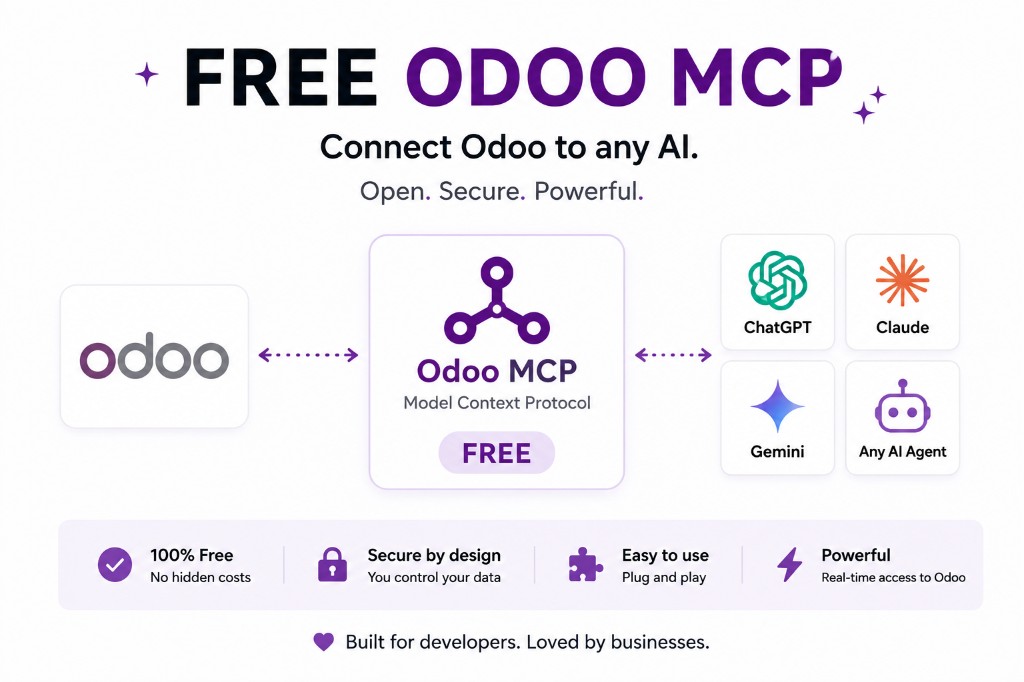
MCP-compatible, not a special Odoo build
We describe Cursor the way we describe other MCP clients: it can call tools on a server you host. There is no separate “official Cursor Odoo app” in this article. The ERP side is the same module or JSON-2/XML-RPC proxy you would use for Claude.
Odin’s product page lists Cursor among clients the suite is meant to serve. Sandbox: try it live.
Same controls as any coding agent
Do not use production write tools from an IDE. Read-only, staging, dedicated user. Claude Code is the sibling warning. Security.
General agent how-to: connect an AI agent to Odoo.
MCP config is still a secret
Cursor MCP settings are files on disk. They get copied into dotfiles repos. Scan for Odoo hostnames and tokens. Prefer a local staging URL, not production, in any shared config example.
Team Cursor does not change Odoo rights. The bot user does.
When Cursor should not connect at all
If the job is writing Python tests, you do not need live ERP. Paste a fixture. Connect MCP when the task is “what does this customer look like in staging,” not “autocomplete my model.”
FAQ
Do I need a Cursor-specific Odoo module?
No. You need an MCP server Cursor can reach.
Production?
Not for the first week. Not for writes.
Keep going
Start read-only. Ask a real question.
Sandbox on sample Odoo 19 data, or we put MCP on your instance.