Read-only Odoo MCP: the only sane default.
If the first tool list includes create, write or unlink, you skipped the only rehearsal that matters. Read-only until the answers are boring. Then add one named write with an approver.
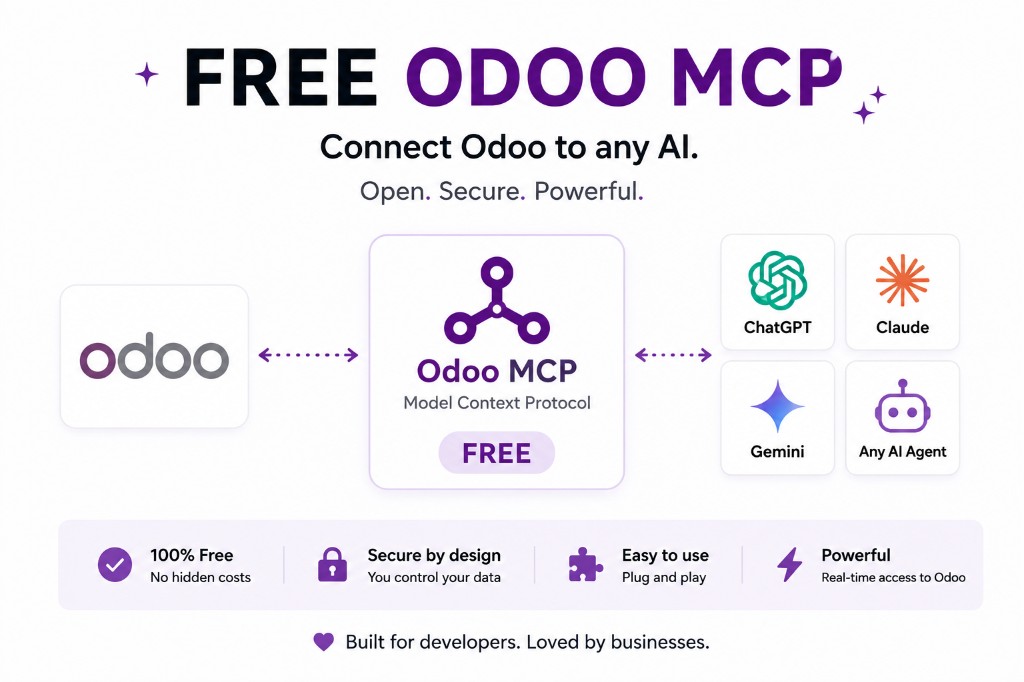
What read-only means in practice
Publish search/get tools: customers, orders, invoices, products, stock quants. Do not publish create, write, unlink, action_confirm, action_post. The Odoo user should lack those rights even if someone adds a tool later. Two locks. Odoo MCP security.
Gemini’s allowed_tools is a third lock on that client. Use it. Gemini integration.
First-week prompts
“Which invoices are overdue?” “Who are the quiet customers this quarter?” “What is on hand for SKU X?” Not “delete these quotations.” Invoice assistant · Sales assistant.
When you add a write, name the workflow and the human. MCP does not grant extra Odoo rights; it only calls what you exposed as the user you configured.
How to prove it
As the bot user in the Odoo UI, confirm they cannot edit. Then call the MCP write tool you think you did not publish — it should not exist. Then, if you are paranoid, add a dummy write tool on staging and confirm Gemini/Claude can be blocked by allowed_tools / connector permissions.
Write the three results in the ticket. “We started read-only” without evidence is a slogan.
When read-only is not enough
search_read on hr.employee with salary fields is still a leak. Record rules and field access apply. Read-only MCP plus a fat HR user is not a design. Restrict HR · payroll.
FAQ
Is MCP read-only by default?
The protocol is not. Your tool list and Odoo user must be.
Can I allow writes later?
Yes, as a separate reviewed list, preferably with approval.
Keep going
Start read-only. Ask a real question.
Sandbox on sample Odoo 19 data, or we put MCP on your instance.