Odoo 17 Claude integration via XML-RPC MCP.
Claude can still be the client. Odoo 17 has no JSON-2 and no 19.4 MCP line. An MCP server must use the 17 external API. Odin’s module does not install on 17.
Honest architecture
Claude: remote MCP connectors. Odoo 17: XML-RPC / JSON-RPC. Glue: an MCP server you trust. That is the whole integration.
We will not tell you to install mcp_governance_suite on 17. It is 18 and 19. Try the 19 sandbox to see the product; for 17 stay on a 17-capable external server or upgrade.
What to lock down harder on 17
Older databases often have leftover admin API keys and XML-RPC open to the internet. Put the MCP server on a dedicated user with almost no groups. Read-only methods. VPN or IP allow-list if you can. Security.
If an upgrade to 18 is realistic this year, do not invest in a beautiful XML-RPC-only tool catalogue you will replace. Odoo 18 Claude.
Client steps
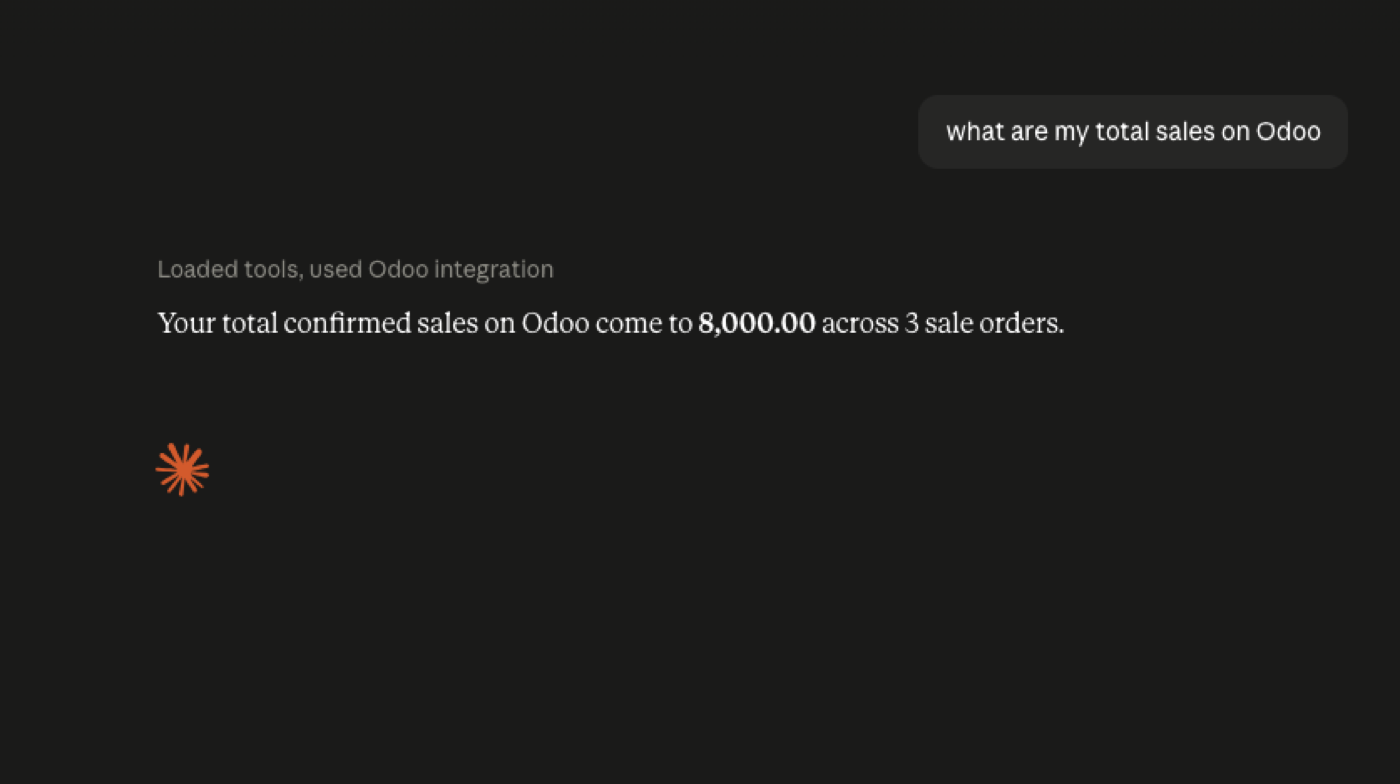
Same Claude UI as any other remote MCP server. Connect Odoo to Claude. Version hub: Odoo MCP for Odoo 17.
A 17-specific go-live gate
Before Claude sees 17: XML-RPC not world-open, bot user exists, search_read works in a script, MCP server logs the Odoo uid, write tools absent. If any box is open, you are demoing a hole.
After go-live: a calendar reminder to revisit upgrade to 18 — that is when an in-Odoo module becomes an option for this product line.
What to tell the business
“Claude can read 17” is true. “We have Odin MCP on 17” is not. Say the first, not the second. Offer the 19 sandbox so they see the governed product you will install after upgrade.
Official documentation
FAQ
Can Claude access Odoo 17 at all?
Yes, through an MCP server that can call 17’s external API as a bot user.
Can I use Odin on 17?
No. 18 and 19 only.
Should I wait for 19.4 MCP?
19.4 is a 19.x story. From 17 you are looking at an upgrade programme, not a setting.
Keep going
Start read-only. Ask a real question.
Sandbox on sample Odoo 19 data, or we put MCP on your instance.