How to connect Claude to Odoo using MCP.
Claude to Odoo is a custom remote MCP connector — in Claude, Claude Desktop and Cowork — not a plugin you install inside Odoo. “Claude Odoo MCP” means that connector plus a trusted HTTPS server and a dedicated ERP user.
Claude is already used for code, analysis and automation. Going from Claude to Odoo is not an Odoo app named Claude. Architecture: Odoo → MCP server → Claude. Anthropic describes MCP as an open protocol for connecting AI applications to external data and tools. The click path lives in Claude (Customize → Connectors). The permissions live in Odoo.
What “Claude Odoo MCP” actually refers to
People type claude odoo mcp and claude to odoo for the same job: make Claude call tools that read (and maybe write) live ERP data. That is a remote MCP server you trust, added as a custom connector. It is not Odoo S.A. shipping Claude, and it is not Odin claiming to be official Odoo MCP. Odin’s module is a vendor in-Odoo MCP server for MCP-compatible agents, on Odoo 19 and 18 — not 17.
Claude connects from Anthropic’s cloud, so the server must be public HTTPS. A localhost MCP on your laptop will not see Claude.ai. Desktop and Cowork follow the same custom-connector docs; Claude Code is a different surface — keep it off production until the tool list is boring. Claude Code + Odoo MCP · Claude Desktop.
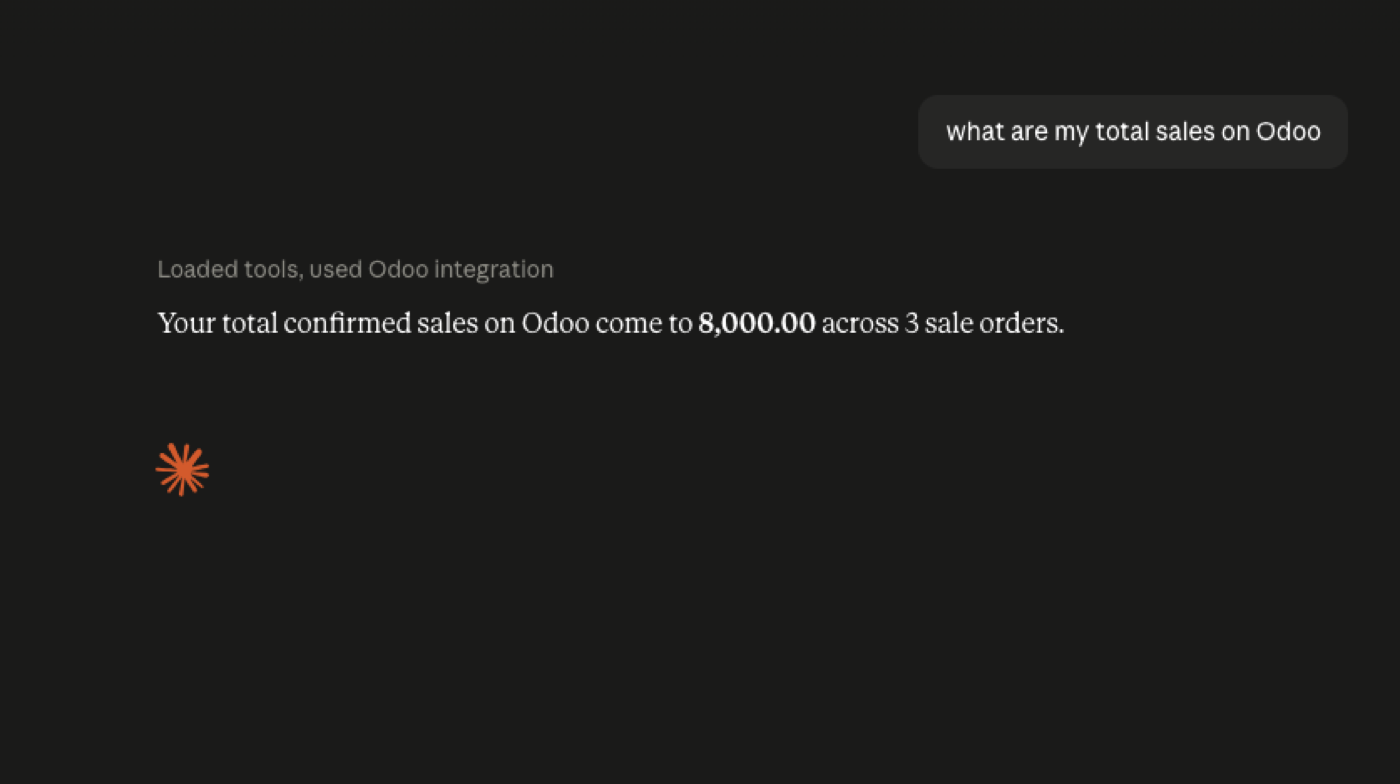
Claude querying live Odoo
Same MCP idea, Claude as the client. Watch a real question hit sample ERP data.
What can Claude do with Odoo?
Search and read customers, sales, invoices, products, CRM; summarise; and, if you allow it, create or update records and run approved workflows. The tool list is yours. A useful default is search/read only.
Claude supports custom remote MCP connectors
Anthropic currently supports custom remote MCP connectors in Claude, Claude Desktop and Cowork. Free, Pro, Max, Team and Enterprise can add them; Free is limited to one. Add them from Customize → Connectors, authenticate, enable, then test a read-only prompt.
- Deploy an Odoo MCP server and lock it to HTTPS.
- Authenticate with a dedicated Odoo user — not admin. On Odoo 19 that is typically a JSON-2 API key.
- Expose only the tools the job needs.
- Add the custom connector in Claude and review the requested permissions.
- Ask: “Show me the 20 largest customers by sales.” Then overdue invoices, open CRM, low stock.
Step-by-step for agents in general: how to connect an AI agent to Odoo.
Claude + Odoo security
Anthropic warns that custom connectors can access and potentially modify connected services according to their permissions. Connect only to servers you trust. Dedicated Odoo account, read-only first, limited tools, writes only when you understand the blast radius.
Claude Code
Developers use Claude with Odoo module trees, logs and local databases. Keep that off production until the tool surface is boring. Can Claude access Odoo? is the shorter answer page.
Try it without building the stack: live sandbox or the Free Odoo MCP pillar.
Claude’s UI vs the JSON-2 stack
Custom connectors, Desktop, and what Claude will or will not do on a given SKU belong here. The Odoo 19 HTTP path belongs on Claude + JSON-2 + MCP. If you merge them, every Claude product change forces you to rewrite the API explainer.
Claude accessing Odoo is a yes with conditions: a reachable MCP server, a dedicated Odoo user, and a client that actually allows custom MCP. “Can Claude access Odoo?” as a one-word answer is this companion.
Treat the MCP server like an ERP vendor. Prompt injection via a hostile tool description is a real class of bug, not a conference talking point.
Do not build a Claude-only Odoo integration
If the only consumer is Claude today, MCP still pays for itself when someone asks for Gemini or Cursor next quarter. The Odoo bot user and tool list should not care which model is calling.
Where Claude is picky — connector UX, approval clicks — keep that in this article. Where Odoo is picky — Custom plan, JSON-2 deprecations, record rules — keep that in the JSON-2 cluster.
Odoo 19.4’s MCP line is about Odoo. It is not an Anthropic feature announcement. Confirm both sides. Odoo 19.4 MCP.
FAQ
Can Claude connect to Odoo?
Yes. Anthropic supports custom remote MCP connectors. Claude calls tools on your MCP server; the server talks to Odoo.
What is Claude Odoo MCP?
A remote MCP server plus a custom connector in Claude — the usual meaning of “claude odoo mcp” and “claude to odoo.” Not a plugin inside Odoo. Claude remote MCP.
How do I go from Claude to Odoo?
Deploy an HTTPS MCP server, authenticate as a dedicated Odoo user, add the custom connector from Customize → Connectors, then test a read-only prompt. Free plans are limited to one custom connector.
Which Claude plans get custom connectors?
Custom connectors are available to Free, Pro, Max, Team and Enterprise. Free users are limited to one custom connector. Claude remote MCP docs · Help Center guide.
Can Claude write to Odoo?
Only if the MCP tools allow it and you grant those permissions. Anthropic warns that connectors can modify connected services according to their permissions — see the remote MCP docs.
Should I use production?
No, not first. Staging database, dedicated user, read-only tools. Developers using Claude Code should keep experiments off production ERP. Odoo MCP security.
The rest of the MCP cluster
Start read-only. Ask a real question.
Sandbox on sample data, or we put MCP on your instance.