Odoo 17 Gemini integration via XML-RPC.
Gemini can call a remote MCP server that speaks to Odoo 17 over XML-RPC. Use allowed_tools. Odin’s in-Odoo module is not 17.
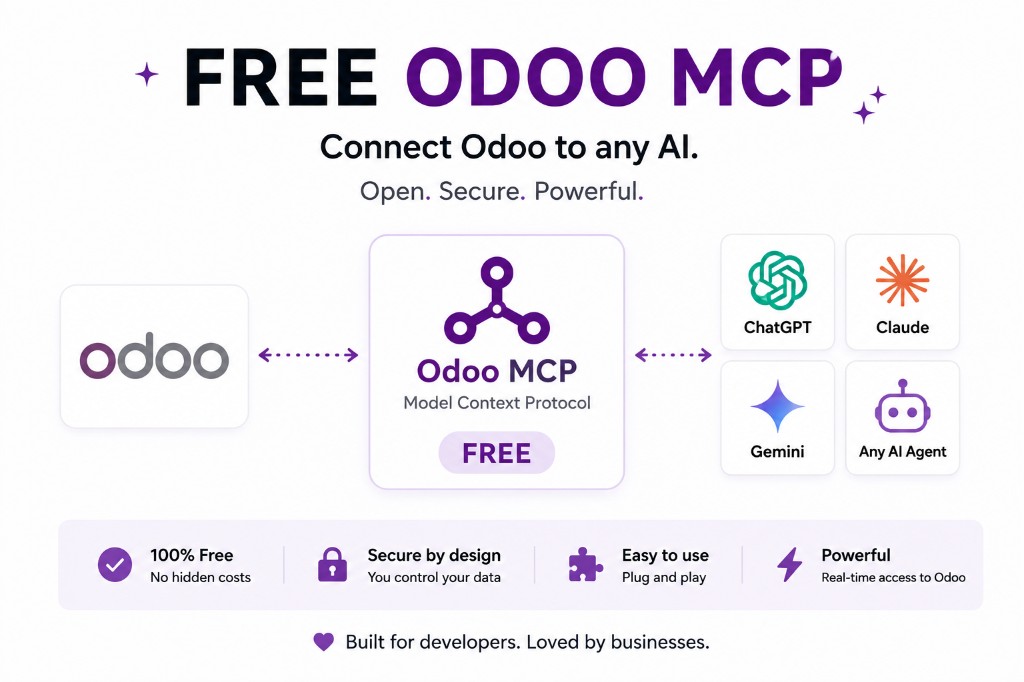
Stack
Gemini remote MCP (Streamable HTTP, allowed_tools) → your server → Odoo 17 API. No JSON-2. No Odin module on 17.
Prefer upgrading to 18 if you want the in-Odoo suite. Odoo 18 Gemini · 17 hub.
Do not skip the allow-list because 17 is “just a lab”
Labs become production. Exclude writes. Dedicated user. Security.
Same allow-list, older API
Copy the allowed_tools from 18/19 only if the tool names exist on the 17 server. Do not allow a 19-only tool that 404s and teaches the model to retry wildly.
Keep 17’s list in its own file. Review it when you upgrade so you do not carry a god-tool into 19.
Why Gemini on 17 is still worth a pilot
If the team already lives in Gemini, a read-only overdue-invoice tool is a cheap proof. It is not a platform. Write the expiry date on the project.
Official documentation
FAQ
Can Gemini see Odoo 17?
If a remote MCP endpoint can reach 17’s API.
Odin on 17?
No.
SSE?
Not for Gemini remote MCP.
Keep going
Start read-only. Ask a real question.
Sandbox on sample Odoo 19 data, or we put MCP on your instance.