How to connect Odoo to Gemini using MCP.
Google's Gemini Interactions API can call a remote MCP server. You pass the URL and restrict tools — which is the right default for an ERP.
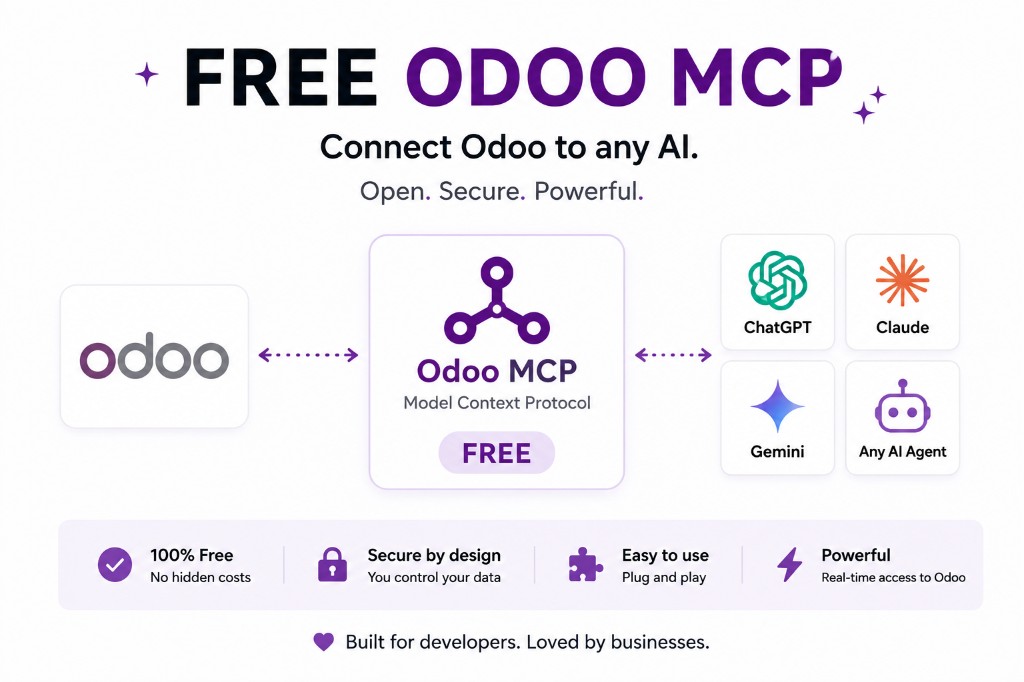
Gemini can attach remote MCP servers. You provide the URL; you can restrict the tools the agent may call. That is a better ERP default than “here is the whole database.”
Architecture: Odoo → Odoo API or in-process ORM → Odoo MCP server → remote MCP → Gemini.
What can Gemini do with Odoo?
Whatever you expose: customers, sales, CRM, inventory, accounting, products, purchases, projects, reporting. The model chooses a tool from that list. It cannot invent a unlink you did not publish.
Useful allow-list: search_customers, read_sales_orders, search_products. Leave out delete_record, update_invoice, confirm_order until there is a human in the loop.
Connect Gemini to Odoo
- Deploy the MCP server and put it on HTTPS.
- Authenticate to Odoo as a dedicated user. On Odoo 19, JSON-2 with a bearer API key.
- Make the MCP endpoint reachable from Gemini.
- Set
allowed_toolsto the read surface only. - Test: customers idle 90 days, today's sales, unpaid invoices over a threshold, products below reorder.
Google documents remote MCP over Streamable HTTP, including an allowed_tools allow-list. SSE servers are not supported. If your server only speaks another transport, Gemini will not see it.
Why MCP instead of a custom Gemini integration?
Without MCP you build a Gemini-only adapter. With MCP the same Odoo tool surface can serve Gemini, ChatGPT, Claude and other MCP-compatible agents. One controlled integration, several clients.
Security is still Odoo permissions plus the tool allow-list. JSON-2 applies the authenticated user's rights. Never assume the model should have admin. Free Odoo MCP · try live.
Gemini client vs JSON-2 back end
Remote MCP, Streamable HTTP, and allowed_tools are Gemini-side controls. They do not replace Odoo access rights. A tool Gemini is allowed to call can still 403 if the bot user cannot read the model.
The matching stack article is Gemini + JSON-2 + MCP. Use that when the question is “what does the server POST to Odoo 19?” Use this when the question is “how do I attach Gemini?”
One MCP server should serve Gemini and the other MCP-compatible clients. Duplicating Odoo credentials per vendor is how keys leak.
Treat allowed_tools as a second lock, not the only lock
If Gemini’s allow-list is “all tools the server exposes,” you have one lock: the server. If the server also exposes a generic ORM tool, you have zero effective locks.
Set allowed_tools to the same names you would write on a whiteboard for the team. When you add a write tool on the server, it should stay off Gemini until you add it here too — on purpose, on a date, with a person named.
Then test with a known stock figure or invoice count. Gemini summarizing the wrong company in a multi-company database is a record-rule miss, not a model-quality issue.
Official documentation
FAQ
Can Gemini connect to Odoo?
Yes, if you run a remote MCP server Gemini can reach over Streamable HTTP, and your Odoo side authenticates as a dedicated user. Google documents this in function calling / remote MCP; SSE is not supported.
What is allowed_tools?
Google's remote MCP support lets you list which MCP tools the agent may call. Use it to allow search/read and exclude delete, confirm, and invoice updates. Gemini allowed_tools.
Why MCP instead of a custom Gemini plugin?
One Odoo MCP server can serve Gemini, Claude, ChatGPT and other MCP-compatible agents. You are not rebuilding the ERP integration per vendor. Model Context Protocol.
Does Odoo Online work?
Only if the plan exposes the external API (Custom) or you use an architecture that does not need it. Odoo MCP for Odoo Online.
The rest of the MCP cluster
Start read-only. Ask a real question.
Sandbox on sample data, or we put MCP on your instance.