Claude Desktop as your Odoo MCP client.
Claude Desktop can use custom remote MCP connectors against the same Odoo MCP server as claude.ai. The ERP risk does not get smaller because the window is an app.
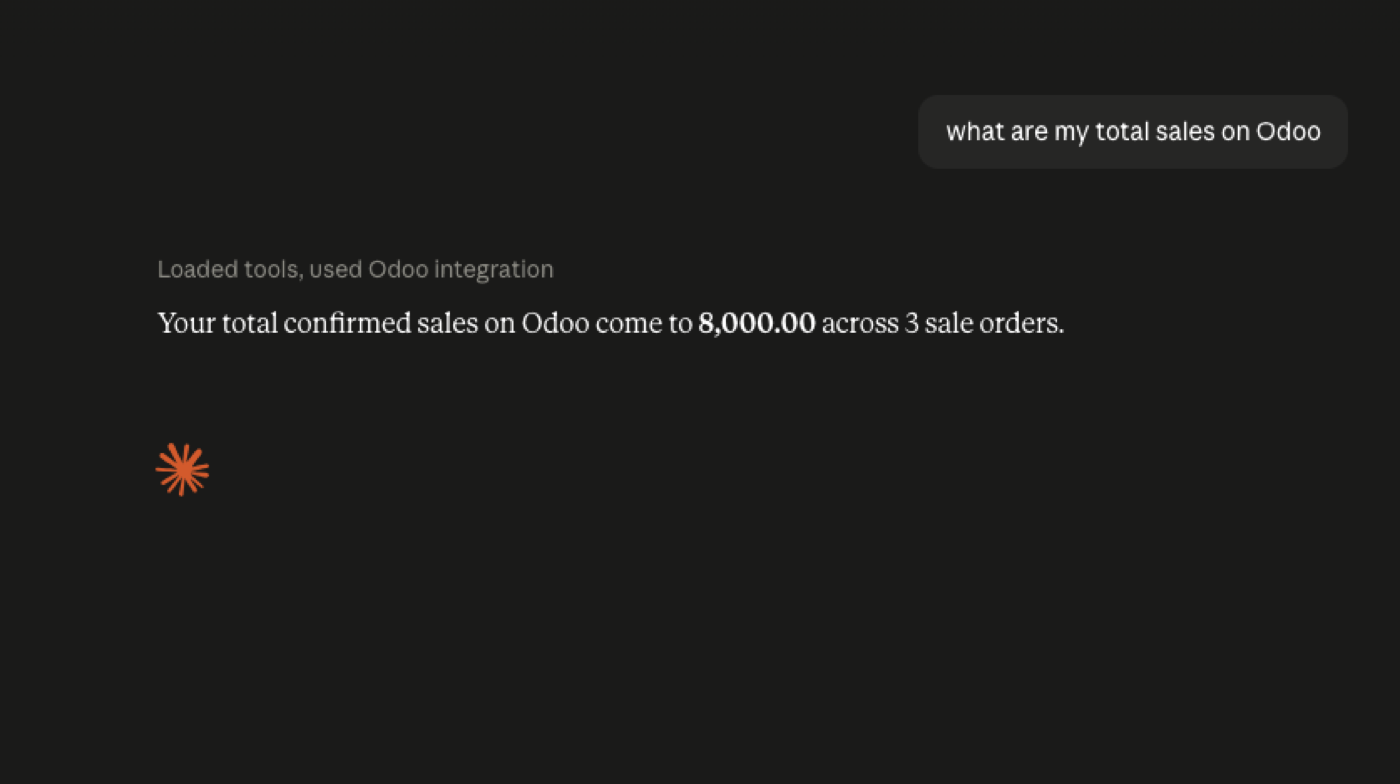
Desktop vs claude.ai vs Cowork vs Code
Anthropic’s remote MCP docs cover custom connectors across Claude products. Desktop is a local app talking to a remote MCP URL you trust. Cowork is another surface — Cowork. Claude Code is a developer loop that should not share production ERP credentials — Claude Code.
Same Odoo server, same bot user, same read-only default. Connect Odoo to Claude is the shared how-to.
Local machine, remote ERP
Desktop does not mean the MCP server should run as your laptop user against production. Keep the server in a place you log and patch. Keys stay in the server secret store, not in a Desktop config screenshot in Slack.
Security. Integration framing: Odoo Claude integration.
Device policy
Desktop on an unmanaged laptop with a production connector is a lost laptop away from an incident. MDM, or do not attach production. Prefer claude.ai on a controlled workspace for finance users.
Developers using Desktop + Claude Code + production is three surfaces too many. Pick one chat surface for ERP, keep Code on staging.
Config hygiene
Connector URLs and tokens in Desktop config should be treated like .env files: not in screenshots, not in shared drives. Rotate if a screenshot leaked. The Odoo key lives on the server, not in Desktop, if you designed it right.
Official documentation
FAQ
Is Desktop required?
No. claude.ai custom connectors work if your plan allows them. Desktop is optional.
Does Desktop bypass Odoo rights?
No. The MCP server still authenticates as an Odoo user.
Can Desktop write?
Only if you expose write tools and approve them.
Keep going
Start read-only. Ask a real question.
Sandbox on sample Odoo 19 data, or we put MCP on your instance.