Odoo 19.4 MCP: official Odoo MCP explained.
Odoo 19.4 is the first release where Odoo S.A. lists MCP. The July 2026 notes say you can connect to your database via Model Context Protocol. That is connectivity, not a blank cheque on edition, Odoo Online plan, or write access.
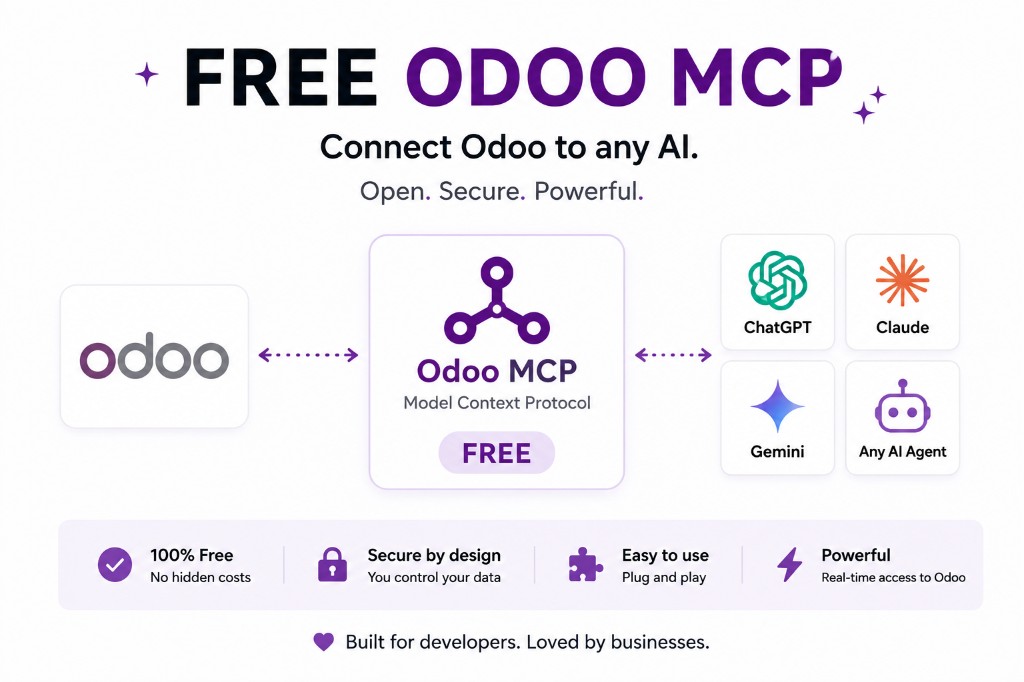
Odoo 19.4’s release notes (July 2026) list, under AI:
Connect Odoo to anything — Connect to your database via MCP (model context protocol).
That is the sentence people were waiting for. Until 19.4, MCP servers in the wild were community or vendor software. JSON-2, shipped in 19.0, was the documented first-party HTTP API. The notes now put MCP connectivity on Odoo’s own product list.
They do not, by themselves, tell you the menu path, which SKUs include it, or whether Odoo Online Standard skipped the external-API rule. Open the database you actually run and check.
JSON-2 in 19.0, MCP listed in 19.4
Odoo 19.0 shipped the External JSON-2 API: POST /json/2/<model>/<method>, bearer keys, named arguments. XML-RPC and JSON-RPC are deprecated and documented for removal in Odoo 22 (fall 2028).
Odoo 19.4 lists MCP as a way to connect the database to MCP-compatible clients. That is a different layer. JSON-2 is how software calls Odoo. MCP is how an assistant discovers tools.
MCP in 19.4 does not deprecate JSON-2. Scheduled syncs, ETL and middleware should still use the HTTP API. MCP vs JSON-2 · JSON-2 explained.
What a release note does not decide
- Community and vendor MCP servers still matter on older 19.x, on Community if the official feature is not on your edition, and when you want a tighter tool list than “the database.”
- Odoo Online still documents the external API as Custom-plan only. Whether 19.4 MCP uses that API or an in-app endpoint is something to verify on your plan — do not assume Standard grew JSON-2.
- Least privilege still applies. Dedicated user, read-only first, no admin keys in agents. Odoo MCP security.
If the feature is on your tenant, use it. If it is not, running a vendor or community server does not make you “unofficial.” It means you are on a different combination of version and plan.
19.4’s other AI notes are not MCP
The same 19.4 AI section also lists automatic model selection, voice dictation, stored conversations (30 days), preview cards in Live Chat, and renaming “topics” to “skills.” Those are inside Odoo: you open the product and talk to an agent there.
MCP is the inverse. An MCP-compatible client — Claude, ChatGPT, Gemini, Cursor — sits outside the ERP and is handed a tool list. Do not treat “we turned on Odoo AI” as the same project as “Claude can read our sales orders.” One is a chat in the database. The other is a protocol endpoint your security team has to approve. Longer split: Odoo MCP vs Odoo AI.
How to tell if your database actually has Odoo 19.4 MCP
Open the database you run. Confirm the version is 19.4, not 19.0–19.3. The release notes date 19.4 to July 2026; 19.0 shipped September 2025 with JSON-2, not MCP.
Odoo S.A. has not published a Settings menu path, SKU matrix, or Odoo Online plan note for MCP in those notes. Partner blogs that describe “generate an MCP key under Settings” are describing some product — often an Apps Store module — not a screen we can cite. On your tenant: look for whatever Odoo actually installed, then confirm edition (Community vs Enterprise) and hosting (Online, sh, self-hosted). Do not assume Online Standard grew an external API; that remains Custom-plan in the External API docs.
If the feature is missing, you are not stuck. An in-Odoo vendor module (including Odin’s) or a community MCP server still speaks the protocol. Official vs community.
Apps Store “MCP Server” modules are not the 19.4 note
Search the Odoo Apps Store for MCP and you will find vendor modules that expose an HTTP endpoint, often at a path like /mcp, with OAuth or bearer keys. Those are third-party (or community) implementations. Installing one does not make you “on official Odoo 19.4 MCP.” Skipping one does not mean you lack MCP if 19.4’s own connectivity is on the database.
Ask the vendor three things the release notes will not answer: which MCP protocol revision they speak, which user the tools run as, and whether writes are gated. Odin’s module is in that vendor bucket — ORM, signed-in user, scopes, write approval, audit — and supports Odoo 19 and 18, Community and Enterprise. It is not 17. Sandbox: try it live.
Connecting Claude, ChatGPT and Gemini after 19.4
The server side changed in the notes. The client side did not. You still attach a remote MCP server to an MCP-compatible product, with that product’s own plan limits.
- Claude — custom remote MCP (Free/Pro/Max/Team/Enterprise; Free is limited to one connector). Docs: custom remote MCP. How-to: connect Odoo to Claude.
- ChatGPT — Business/Enterprise/Edu remote MCP in beta; Developer mode on Pro is a wider surface. Cite OpenAI. How-to: connect Odoo to ChatGPT.
- Gemini — Streamable HTTP plus
allowed_tools; SSE is not the remote path. Cite Google. How-to: connect Odoo to Gemini.
Start read-only. Dedicated user, not admin. Then decide whether 19.4 native, a vendor module, or JSON-2 under an external server is the stack. Odoo MCP security.
If you are still on Odoo 18 or 17
Do not wait for a backport of the 19.4 sentence. Odoo 18 has no JSON-2; the external API is still XML-RPC/JSON-RPC. An in-Odoo MCP module can still run (Odin’s does). Odoo 17 is XML-RPC/JSON-RPC only for the external API, and the Odin module is not 17 — community or vendor servers that still speak 17 are a different product.
If the reason you want 19.4 is MCP, upgrade the database first, then confirm the feature on the new tenant. Do not build an XML-RPC-only sidecar you will throw away six months later. Version pillar: Odoo MCP for Odoo 19.
The MCP spec moved in the same month
Independently of Odoo, the Model Context Protocol shipped a breaking 2026-07-28 revision (announcement): requests are stateless, the old initialize handshake is gone, and client/server compatibility is now a protocol-version question. That is not a 2025 gist you can copy forever.
Odoo listing MCP in 19.4 does not tell you which MCP revision the product speaks. Confirm the client you care about — ChatGPT, Claude, Gemini, Cursor — against the server you actually attached.
Connectivity is not an allow-list
Native MCP answers “can a compatible client reach the database?” Governance answers “which tools, which user, which writes, which log?” Those can live in Odoo’s feature, in a vendor module, or in both. A release-note sentence does not imply scopes, write approval or an audit row.
Odin’s module is a vendor in-Odoo implementation: ORM, signed-in user, scopes, write approval, audit. It is not Odoo S.A. software. It is useful on Community, on hosts without 19.4, and beside official connectivity when you need a smaller blast radius.
Try the sandbox. Longer framing: Is Odoo MCP official? Stack: MCP + JSON-2 for 19.
FAQ
Is there an official Odoo MCP?
Odoo 19.4 release notes (July 2026) include “Connect Odoo to anything” and “Connect to your database via MCP (model context protocol).” That is Odoo S.A. documenting MCP connectivity. Confirm edition, plan and hosting on your database. Official vs community.
Did Odoo 19.0 already have MCP?
19.0 introduced the JSON-2 external API. That is not MCP. MCP as an Odoo AI feature is listed in the 19.4 notes. Community and vendor MCP servers existed before 19.4.
Do I still need JSON-2?
Yes if your MCP server is external. JSON-2 remains the HTTP API; older XML-RPC/JSON-RPC are deprecated and aimed at removal in Odoo 22. An in-Odoo MCP implementation may use the ORM instead. MCP vs JSON-2.
Does official MCP replace governance modules?
Not automatically. Release-note MCP means connectivity. Scopes, read-only defaults, write approval and audit are still design choices — in Odoo’s feature, a vendor module, or both. Odoo MCP security.
How do I enable Odoo 19.4 MCP?
Confirm the database is on 19.4, then look at what that tenant actually installed. The 19.4 notes do not publish a Settings path. Do not copy an Apps Store module’s menu and call it official.
Does Odoo 19.4 MCP work on Community and Odoo Online Standard?
The notes do not say. Confirm edition and plan on your database. Online’s external API is still documented as Custom-plan only. An in-Odoo module can skip that gate on self-hosted Community.
Can Claude or ChatGPT use Odoo 19.4 MCP?
If the server is a remote MCP endpoint the client supports, yes — with that product’s plan limits. Claude: custom remote MCP. ChatGPT: remote MCP / Developer mode. Native 19.4 does not change those client rules.
Is an Apps Store MCP module the same as Odoo 19.4 MCP?
No. Apps Store modules are vendor or community software. 19.4 is Odoo S.A. listing MCP connectivity in the product notes. You can run one, the other, or both. Ask which protocol revision and which user the tools run as.
JSON-2, MCP and clients
Start read-only. Ask a real question.
Sandbox on sample data, or we put MCP on your instance.