How to connect an AI agent to Odoo with JSON-2 + MCP.
Prove JSON-2 with a dedicated bot user first. Then put MCP in front so the agent sees business tools, not every model method.
Architecture: AI agent → MCP → Odoo JSON-2 → Odoo.
1. Dedicated Odoo user
Not your administrator. Bot user, minimum groups, empty password if you follow Odoo’s automated-usage note.
2. API key
JSON-2 is bearer keys. Create one for this integration only. Authentication guide.
3. Test JSON-2
Before MCP, POST /json/2/res.partner/read (or search_read) and confirm you get the records that user is allowed to see.
4. Add MCP
Expose business tools: search_customers, search_sales, get_invoice, search_products, get_inventory. Not a generic “run any method” tool.
5. Connect the agent
The MCP-compatible client discovers the tool list. Claude, ChatGPT, Gemini and others differ in UI; the Odoo side stays the same.
6. Read-only first
Then named writes, preferably with a human in the loop. Security checklist · broader agent article.
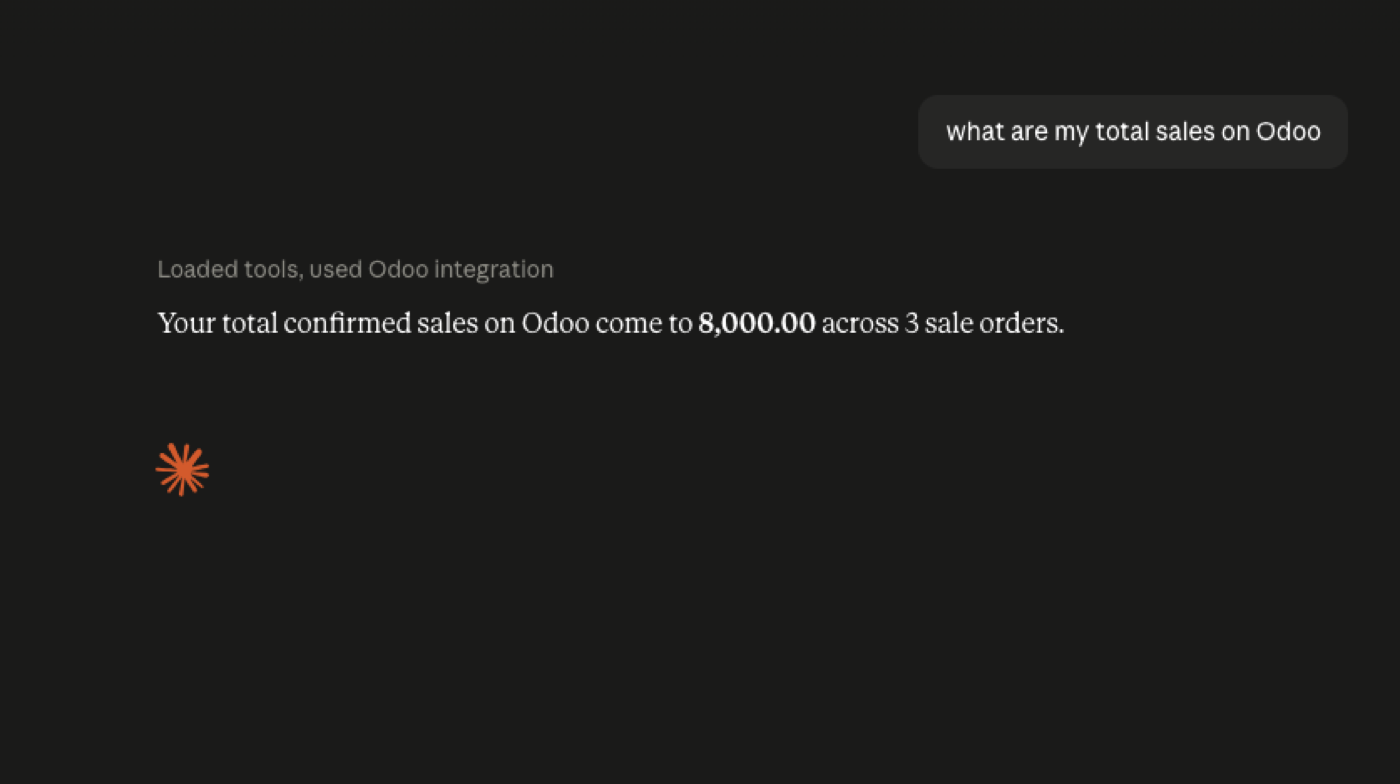
Prove JSON-2 before you attach the model
Teams skip step 3. They paste an MCP URL into ChatGPT or Claude, ask “who are our top customers?”, and then debug three layers at once. JSON-2 is the layer you can curl. If POST /json/2/res.partner/search_read fails with 401, 403, or a plan error, the agent will fail the same way — only with a friendlier paragraph.
A dedicated user plus a short-lived API key is also how you avoid the classic “it works on my admin account” demo. Odoo’s External API docs recommend bot users for a reason: you can read the access rights, rotate the key, and disable the user without disabling a human.
Only after a read-only JSON-2 call returns the records you expect should you wrap those calls as MCP tools. The tool names should match the business (“search_open_quotations”), not the ORM (“execute_kw”). Sequence for the AI-facing layer: connect an AI agent to Odoo.
The six ways this sequence usually breaks
Wrong plan: Odoo Online Standard with an external MCP server. The docs say Custom for the external API. Do not build a board update on inconsistent enforcement.
Wrong protocol: XML-RPC on a fresh Odoo 19 database. JSON-2 is the current external API; XML-RPC and JSON-RPC are deprecated and aimed at removal in Odoo 22 (fall 2028).
Wrong user: an admin key in the agent. That is not “temporary.” It is production access with a chat UI. Wrong tools: one mega-tool that takes a model name and a method. That is JSON-2 with extra steps. Wrong client plan: assuming every ChatGPT or Claude SKU can register remote MCP and perform writes. Wrong first question: a write.
In-Odoo MCP does not need /json/2
If the MCP server is a module inside Odoo, it can call the ORM as the signed-in user and never touch the Custom-plan API. That is still MCP on the client side. It is the path we ship on Odin hosting, and the path to try on sample data without a JSON-2 key at all.
Use JSON-2 when the server is external: a Node or Python process, a vendor proxy, or anything that is not running in the Odoo worker. Use the ORM when you control the module and want to skip the Online API gate.
Odoo 19.4’s “connect via MCP” line does not retire JSON-2. It adds an AI-facing door. Keep both in the architecture diagram. MCP vs JSON-2.
FAQ
Do I add MCP before JSON-2 works?
No. If /json/2 fails, the agent will fail in a more confusing way. Test a partner read first against the JSON-2 API.
What is the first prompt?
Find my top 20 customers — not delete these customers.
Which API key user?
A dedicated bot user. Odoo recommends that for extended automated usage in the External API docs. JSON-2 authentication.
Is this the same as the general agent guide?
The overview is connect an AI agent to Odoo. This page is the JSON-2-then-MCP sequence for Odoo 19.
JSON-2, MCP and clients
Start read-only. Ask a real question.
Sandbox on sample data, or we put MCP on your instance.