Connect Odoo to ChatGPT with JSON-2 + MCP.
JSON-2 connects software to Odoo. MCP connects ChatGPT to tools. Remember the split, then attach a remote MCP server your ChatGPT plan actually allows.
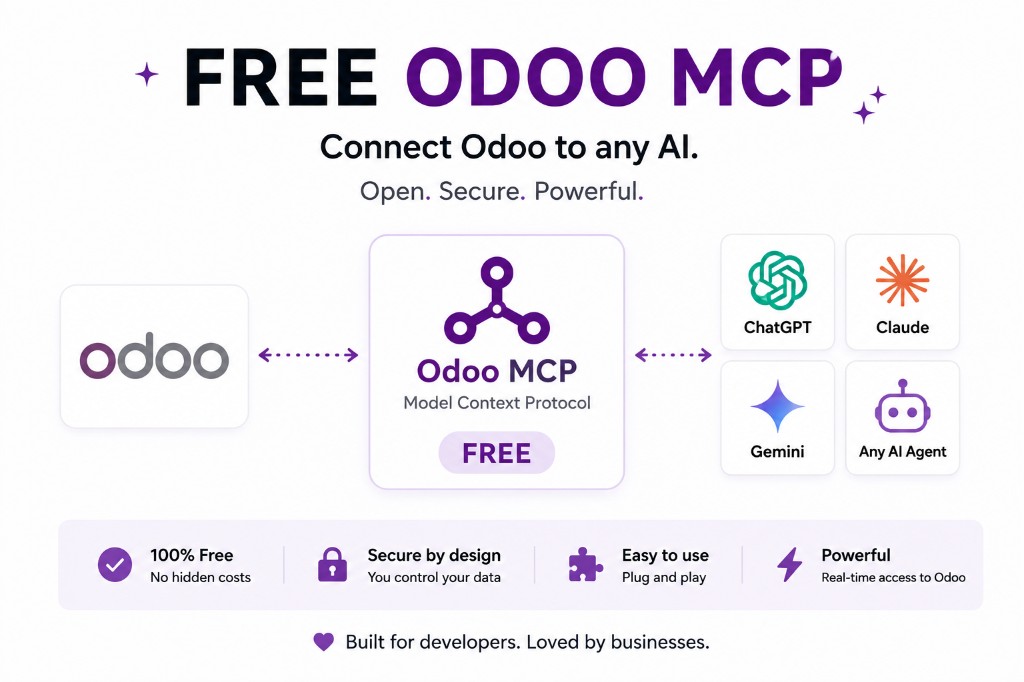
Instead of Odoo → export Excel → ChatGPT, the stack is Odoo → JSON-2 → MCP → ChatGPT.
Ask: top customers last month, overdue invoices, stale opportunities, low stock. ChatGPT only sees the tools you published.
JSON-2 connects software to Odoo. MCP connects compatible AI clients to tools. Together they are the architecture; they are not a single product name. Plan limits and prompt-injection warnings live on connect Odoo to ChatGPT and in OpenAI’s MCP apps docs. Layers: MCP vs JSON-2.
What ChatGPT calls vs what Odoo 19 speaks
ChatGPT does not POST to /json/2/sale.order/search_read. On plans that support custom remote MCP, it calls tools on an MCP server. That server is the only process that should hold an Odoo API key.
JSON-2 is then how the server talks to Odoo 19: bearer token, named JSON arguments, permissions of the key’s user. MCP is the AI-facing catalogue. Mixing the two in a diagram — “ChatGPT uses JSON-2” — is how teams buy the Custom plan and still cannot attach the assistant.
The UI and plan limits live on connect Odoo to ChatGPT. This page is only the stack: ChatGPT → MCP → JSON-2 → Odoo, or ChatGPT → MCP → in-Odoo ORM.
MCP in ChatGPT is not a universal ChatGPT feature
OpenAI documents full MCP, including write and modify actions, for Business, Enterprise and Edu in beta. Consumer ChatGPT and other surfaces change. Do not tell a Standard ChatGPT user they can confirm quotations in Odoo because a blog post said “ChatGPT supports MCP.”
Even on a supported plan, connecting an untrusted MCP server is a prompt-injection risk. OpenAI says so. Use a server you run, or a vendor you have reviewed like any other ERP integration.
On Odoo Online, JSON-2 still needs the Custom plan. An in-Odoo MCP module does not. Pick the door that matches hosting, then attach ChatGPT. Online detail: Odoo Online + JSON-2 + MCP.
Give ChatGPT business tools, not the ORM
A useful first set: search_customers, search_orders, get_invoice, search_products, get_stock — all read. Named writes later: create_lead, add_chatter_note. Never expose uninstall, settings, or generic execute.
Descriptions on those tools are part of the product. ChatGPT will follow a vague “search records” tool into the wrong model. Spell out the domain: customers means res.partner with is_company, invoices means account.move of type out_invoice, and so on — in the tool schema, not in a system prompt you hope it remembers.
Prove JSON-2 with curl before you debug ChatGPT. Six-step sequence: JSON-2 then MCP.
FAQ
What does JSON-2 do here?
It is the Odoo API layer: HTTP methods on models with a bearer key. Odoo 19 External API.
What does MCP do here?
It is the AI tool layer ChatGPT can scan and call, where the product supports custom remote MCP. OpenAI’s MCP apps article.
Does every ChatGPT plan work?
No. Full MCP, including writes, is documented for Business, Enterprise and Edu in beta. Developer mode (including read/fetch on Pro) is a wider surface. Check OpenAI’s MCP apps article.
Where is the ChatGPT setup guide?
How to connect Odoo to ChatGPT. This page is why JSON-2 sits under that MCP connection.
JSON-2, MCP and clients
Start read-only. Ask a real question.
Sandbox on sample data, or we put MCP on your instance.