How to connect Odoo to ChatGPT using MCP.
Ask ChatGPT about live customers, invoices and pipeline — through a remote MCP server — instead of exporting spreadsheets from Odoo.
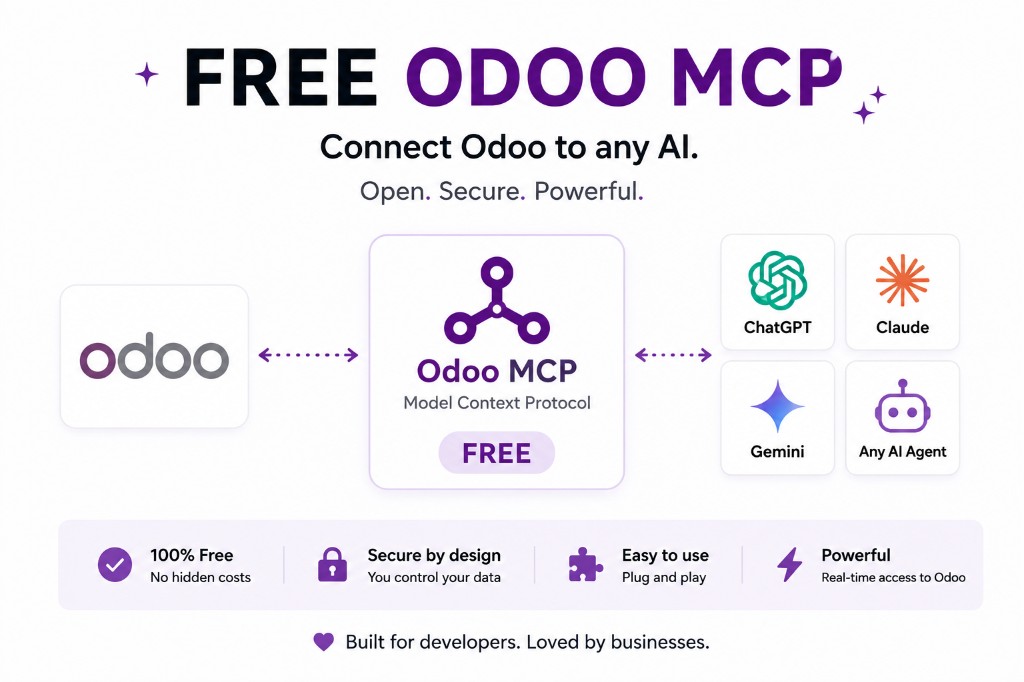
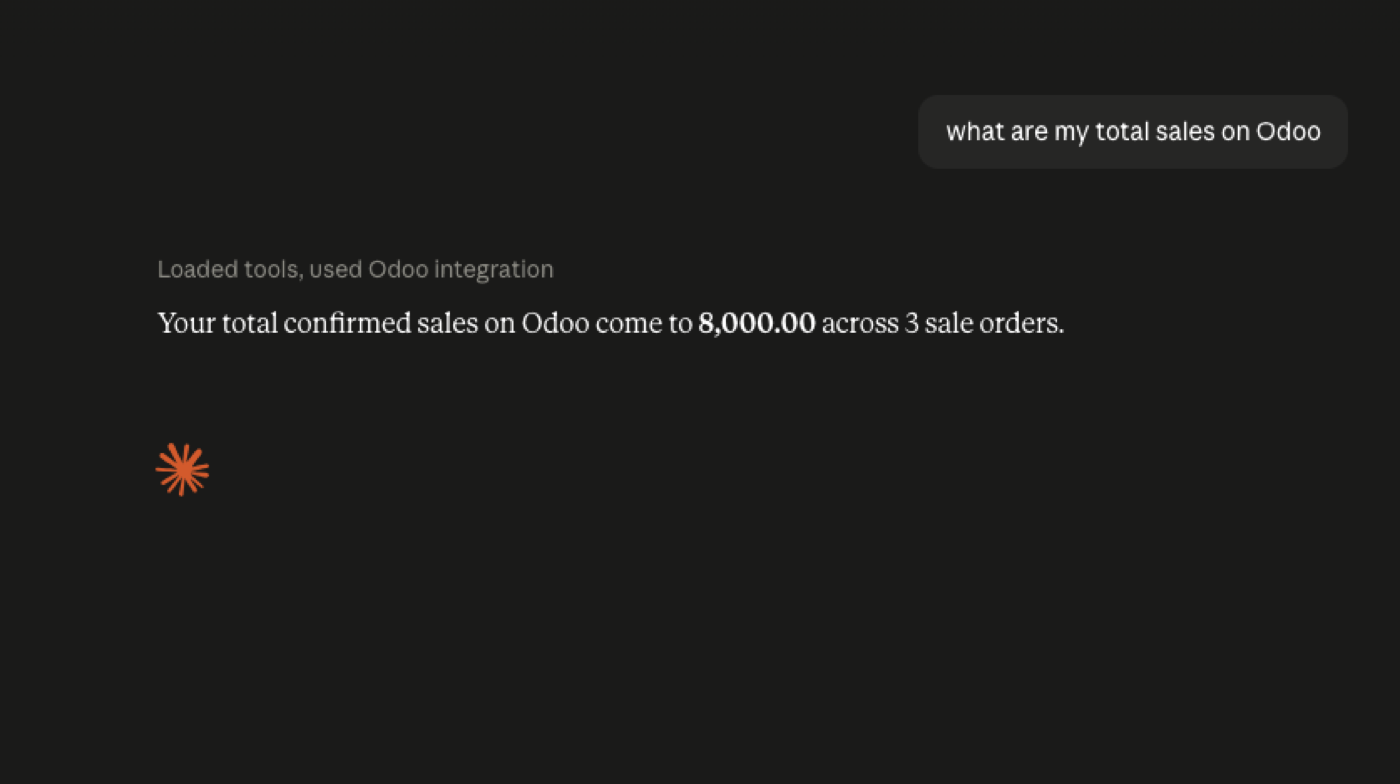
Imagine asking ChatGPT: “Show me our top customers this year.” Or: “Which sales opportunities haven't been updated in the last 30 days?”
That is the MCP path: Odoo → Odoo MCP → ChatGPT. OpenAI's ChatGPT platform can attach custom MCP-powered apps, including remote MCP servers. The server is the bridge; ChatGPT is the interface.
What can ChatGPT do with Odoo?
Whatever tools and permissions the MCP server exposes. Typical read work: search customers, read sales orders, inspect CRM, review invoices, search products, summarise inventory. Writes — create or update records, trigger workflows — only if you enable them, and only if your ChatGPT plan actually allows MCP write actions.
The server decides the tool list. ChatGPT does not magically see every Odoo model.
How the connection works
Your Odoo database, then either the JSON-2 API or an in-Odoo module, then the MCP server, then MCP, then ChatGPT. Two common shapes: an external server that calls /json/2/<model>/<method> with a bearer API key, or a module that talks to the ORM in-process and skips the Custom-plan API gate. Odoo Online almost always means the external shape, and only on Custom.
How to connect Odoo to ChatGPT
1. Set up an Odoo MCP server
It needs your Odoo version, hosting type, authentication, and a way to stay inside normal Odoo permissions — read-only until you say otherwise. What “free” actually includes.
2. Create a dedicated Odoo user
Not the administrator. JSON-2 applies that user's access rights, record rules and field-level permissions. Odoo recommends dedicated bot users for longer-running integrations so you can audit them.
3. Point the MCP server at Odoo
On Odoo 19, prefer JSON-2 over deprecated XML-RPC / JSON-RPC. On older versions, confirm what the server still speaks.
4. Add the remote MCP server in ChatGPT
Supported orgs can register a remote MCP URL and scan the tools it exposes. OpenAI recommends testing and vetting the server before you rely on it.
5. Test with read-only questions
“Find our customers in Germany.” “Show me open sales opportunities.” “How many unpaid invoices do we have?” Only then consider writes.
ChatGPT MCP availability
Do not confuse “ChatGPT supports MCP” with “every ChatGPT plan supports every MCP connection.” Full MCP, including write/modify, is documented for Business, Enterprise and Edu in beta — see OpenAI’s developer mode and MCP apps article. Developer mode itself is documented for Pro, Plus, Business, Enterprise and Education on the web, with read/fetch MCP for Pro; writes are the tighter gate. Check the product you are in, the day you connect.
OpenAI also warns that connecting to untrusted MCP servers can enable prompt injection. Use a server you control, or one you have reviewed.
Claude and Gemini use the same Odoo MCP layer with different client steps. The pillar is Free Odoo MCP.
UI and plans, not the JSON-2 protocol
This article is the ChatGPT-facing path: remote MCP apps, which plans document write support, and how to test in the product you actually have. The protocol stack — ChatGPT → MCP → JSON-2 → Odoo — is Connect Odoo to ChatGPT with JSON-2 + MCP. Keep them separate so neither page becomes a doorway duplicate.
If your question is “does OpenAI support MCP?” the answer is product-specific and dated. If your question is “does Odoo 19 have an HTTP API for that server to call?” the answer is JSON-2, Custom-plan on Odoo Online, deprecated XML-RPC on the way out.
Same MCP layer for Claude and Gemini. Do not rebuild Odoo permissions per vendor.
Read-only prompts that prove the wiring
Use questions whose answers you already know from Odoo: customer count in one country, unpaid invoice count, a named quotation’s state. If ChatGPT disagrees with the UI, you have a domain or permissions bug — not a “prompt engineering” problem.
Keep writes disabled in that week. Adding create_lead before search_customers works is how demo day becomes restore-from-backup day.
When reads match the UI, add one named write with approval. Then stop and write the allow-list down. That document is the integration.
Official documentation
FAQ
Can ChatGPT connect to Odoo?
Yes, if your ChatGPT environment supports custom remote MCP servers and your MCP endpoint is reachable. That is not the same as every ChatGPT plan supporting every MCP feature. OpenAI Help: developer mode and MCP apps · developer mode.
Which ChatGPT plans support MCP writes?
OpenAI currently documents full MCP, including write and modify, for Business, Enterprise and Edu in beta. Developer mode (including read/fetch MCP for Pro) is a separate, wider surface. See OpenAI’s MCP apps article for the plan you actually have.
Do I need the Odoo Custom plan?
If the MCP server talks to Odoo through the external API on Odoo Online, yes — Custom is required. A module that runs inside Odoo does not use that gate. See Odoo MCP for Odoo Online.
Is it safe to let ChatGPT write to Odoo?
Not as a first step. Start read-only, use a dedicated Odoo user, and treat an untrusted MCP server as a prompt-injection risk — OpenAI warns about that in the MCP apps article. Odoo MCP security.
The rest of the MCP cluster
Start read-only. Ask a real question.
Sandbox on sample data, or we put MCP on your instance.