Connect Odoo to Claude with JSON-2 + MCP.
Claude is the interface. MCP is the tool list. JSON-2 is how those tools reach Odoo 19. Keep the three jobs separate.
Architecture: Claude → MCP → JSON-2 → Odoo.
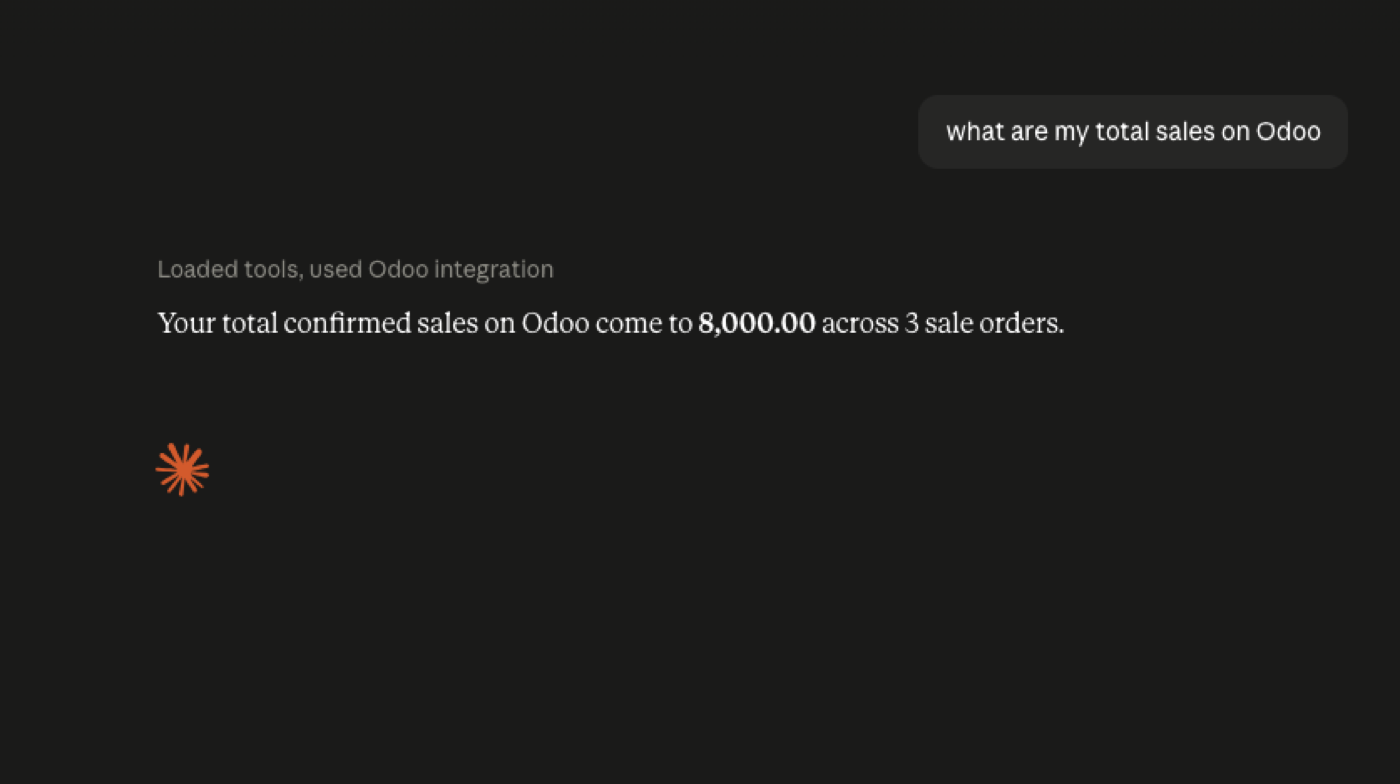
Claude can search customers, orders, invoices, stock, CRM — and create activities or approved updates — only if those tools exist. Example: “Which customers haven't ordered in six months?” The server might call a dedicated search_customers_without_recent_orders tool that runs the right JSON-2 reads. Claude explains the result; it does not need to know sale.order domain syntax.
JSON-2 is the Odoo HTTP API. MCP is the AI tool interface. Connector UI: connect Odoo to Claude (Anthropic’s remote MCP docs). Official MCP on 19.4: Odoo 19.4 MCP.
Claude talks MCP; Odoo 19 talks JSON-2
Claude’s job is to pick a tool and fill arguments. Odoo 19’s external job is to run a model method for a user identified by a bearer key. A server in the middle translates search_customers into res.partner search_read with a domain you wrote — not a domain Claude invented.
If you skip that translation, you either give Claude a raw JSON-2 wrapper (too wide) or you build a one-off Claude connector that you will rebuild for Gemini next quarter. MCP is the shared contract.
Client UX — custom connectors, Desktop, what Claude can click — is on connect Odoo to Claude. Keep this page for the stack.
Keys, bot users, and three-month expiry
JSON-2 keys authenticate a specific Odoo user. That user should be a bot: no Interactive login needed, rights limited to the models behind your tools, record rules that match the company the agent is allowed to see.
Odoo documents API keys with a maximum lifetime of three months. Put rotation on a calendar. Revoke the key by disabling it on the user; do not “leave it because Claude is in a project.”
Permissions still apply. A bot without accounting access cannot fetch invoices, and Claude will report a tool error — which is success, not a bug to work around with an admin key. Auth guide: JSON-2 authentication.
Official MCP connectivity does not replace this diagram
Odoo 19.4 release notes list connecting the database via MCP. That is Odoo S.A. documenting an AI-facing door. It does not delete JSON-2, and it does not mean every Claude workspace is already attached to your tenant.
If you use Odoo’s MCP, a vendor module, or your own JSON-2-backed server, the operational rules stay the same: read-only first, named writes, audit. Confirm edition and plan on the database you run.
Compare layers: MCP vs JSON-2. 19.4 flagship: Odoo 19.4 MCP.
FAQ
Why JSON-2 under Claude?
Odoo 19's external API is JSON-2: /json/2 and bearer keys (docs). A remote MCP server Claude can reach will typically call that API.
Why MCP under Claude?
So Claude discovers business tools instead of every Odoo method. Customize → Connectors is the Claude-side step in Anthropic’s remote MCP docs.
Where are the Claude UI steps?
How to connect Odoo to Claude. This page is the JSON-2 stack behind that connection.
Can Claude write?
Only if you expose write tools and accept the permissions. Start read-only. Anthropic’s connector docs warn that connectors can modify connected services.
JSON-2, MCP and clients
Start read-only. Ask a real question.
Sandbox on sample data, or we put MCP on your instance.