Odoo MCP + JSON-2 for Odoo 19.
Odoo 19 changed the external API. MCP changed how AI apps attach tools. Put together: AI → MCP → JSON-2 → Odoo — with a small, governed tool list.
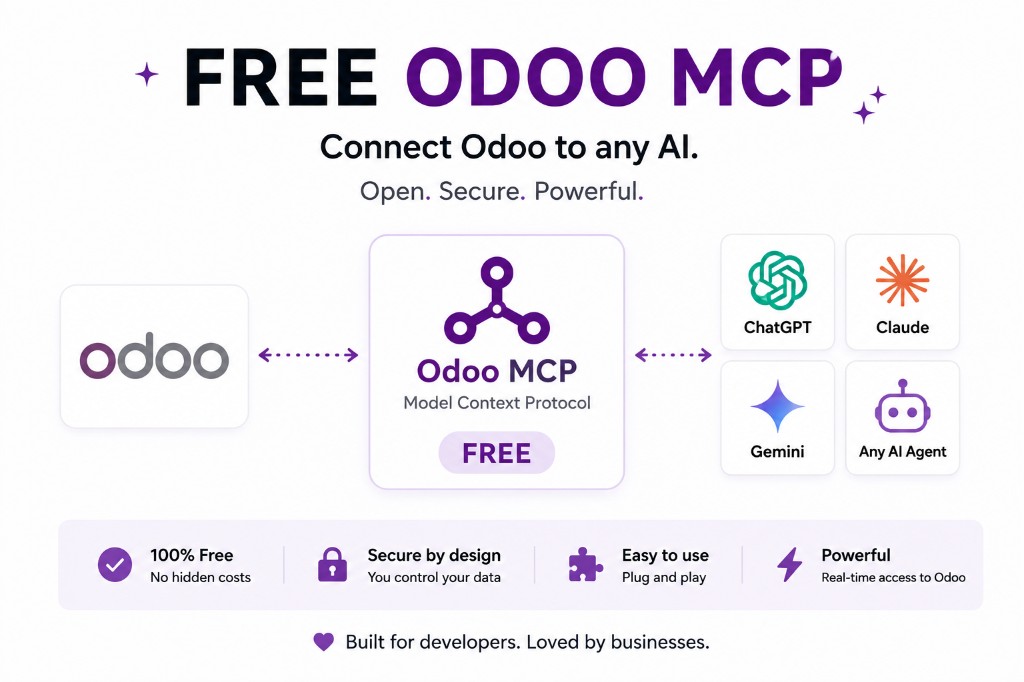
Odoo 19 introduced JSON-2. MCP became the usual way AI apps attach external tools. Together they are one of the most important technical shapes for Odoo AI work.
The three layers
Layer 1 — AI. ChatGPT, Claude, Gemini, Cursor, other MCP-compatible agents.
Layer 2 — MCP. The AI-facing tool interface.
Layer 3 — JSON-2. HTTP into Odoo — unless the MCP server is a module and talks to the ORM in-process.
Why not expose arbitrary ORM calls? Because get_customer_sales is governable and execute_any_odoo_method is not. The MCP server translates the tool into the right JSON-2 (or ORM) calls.
19.0 is JSON-2. 19.4 adds MCP on Odoo’s own AI list. Comparison of APIs: JSON-2 vs RPC. Safety: MCP security.
AI client, MCP tools, JSON-2 (or ORM)
The AI client is a conversation UI. It should not hold Odoo secrets. MCP is how that UI discovers tools. JSON-2 (or the ORM) is how those tools mutate or read ERP state. Collapse any two layers and you either leak keys into the model or you rebuild a connector per vendor.
Odoo 19 is the first version where the recommended external API is JSON-2 and, as of 19.4, MCP connectivity is on the release-note list. That is a stack, not a single product you toggle in Settings and forget.
The first tool list should be reads that match how the business talks. Writes are a second release. How to use MCP with Odoo.
Sidecar JSON-2 vs in-Odoo ORM
Sidecar: you already have a place to run Node or Python, you need to serve several MCP clients, and the database is reachable over HTTPS with a key. You pay the Online Custom-plan gate if that database is Odoo Online.
In-Odoo: you want the signed-in user’s rights, you want to skip the external API, or you are on Community hosting where a module is the natural place for the server. Odin’s MCP is this shape.
Neither choice makes you “more official.” 19.4 official connectivity is a third option to evaluate on the tenant. Odoo 19.4 MCP.
What to draw for security review
Box 1: ChatGPT / Claude / Gemini / Cursor. Box 2: MCP server (tools + auth). Box 3: Odoo 19. Arrow 2→3 labelled JSON-2 or ORM. Arrow 1→2 labelled MCP. No arrow from box 1 to PostgreSQL.
Annotate the Odoo user, key lifetime, read vs write tools, and where logs land. If you cannot annotate those, you are not ready for production prompts.
FAQ
What are the three layers?
Why not connect the AI directly to JSON-2?
You can. MCP adds discovery, a business-shaped tool list, and the ability to serve more than one MCP-compatible client from one integration. MCP vs JSON-2.
Does Odoo 19.4 change this?
19.4 lists native MCP connectivity in the release notes. JSON-2 remains the external API. You may use Odoo's MCP, a vendor module, or JSON-2 behind your own server — confirm edition and plan. Odoo 19.4 MCP.
What should the first tools be?
Reads: search customers, orders, invoices, products, stock. Named writes later, with approval. Odoo MCP security.
JSON-2, MCP and clients
Start read-only. Ask a real question.
Sandbox on sample data, or we put MCP on your instance.